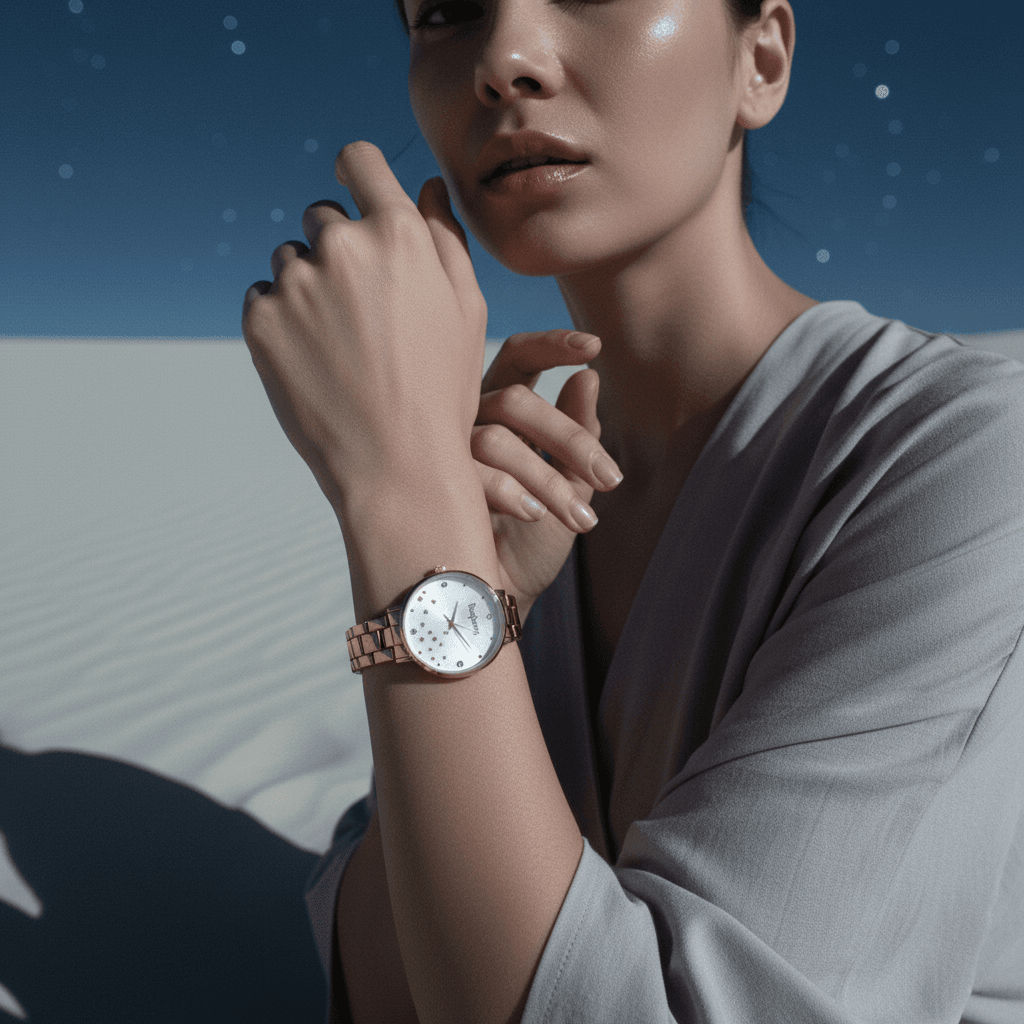
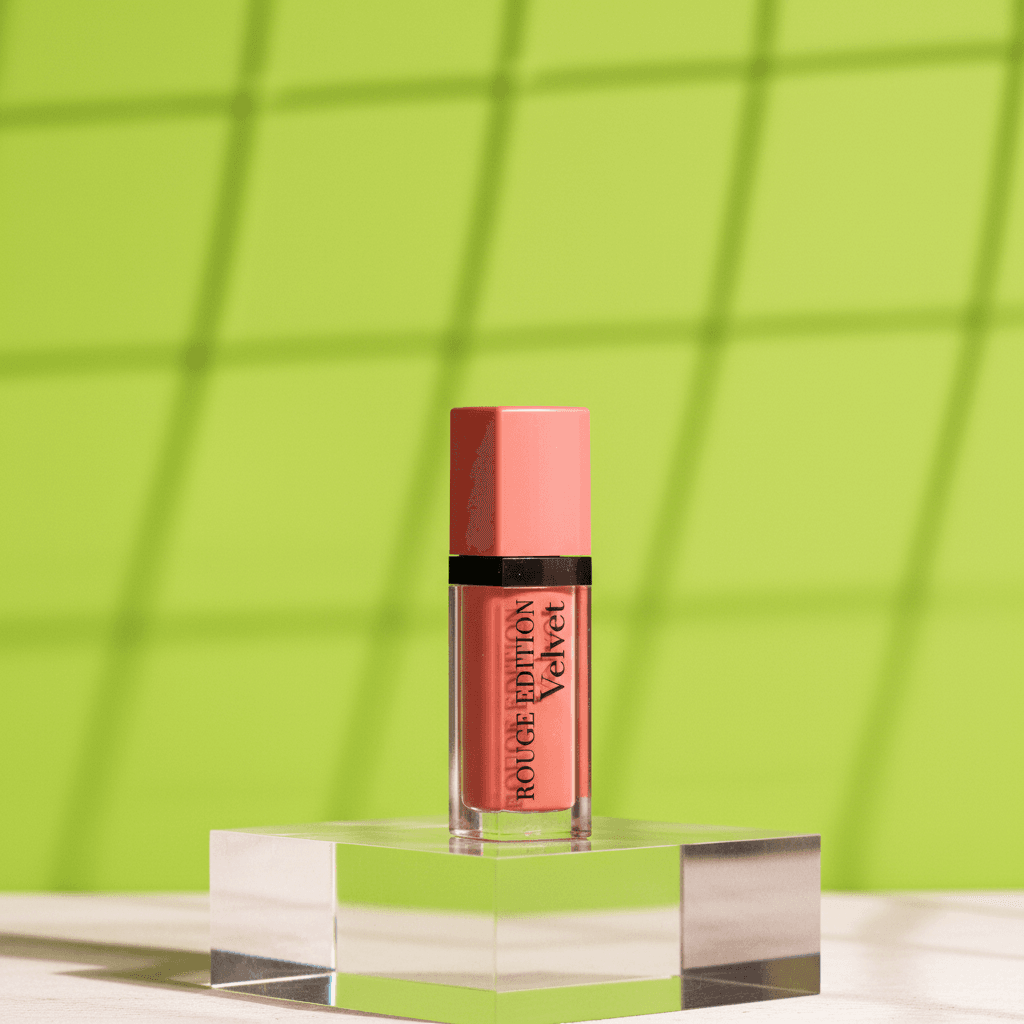
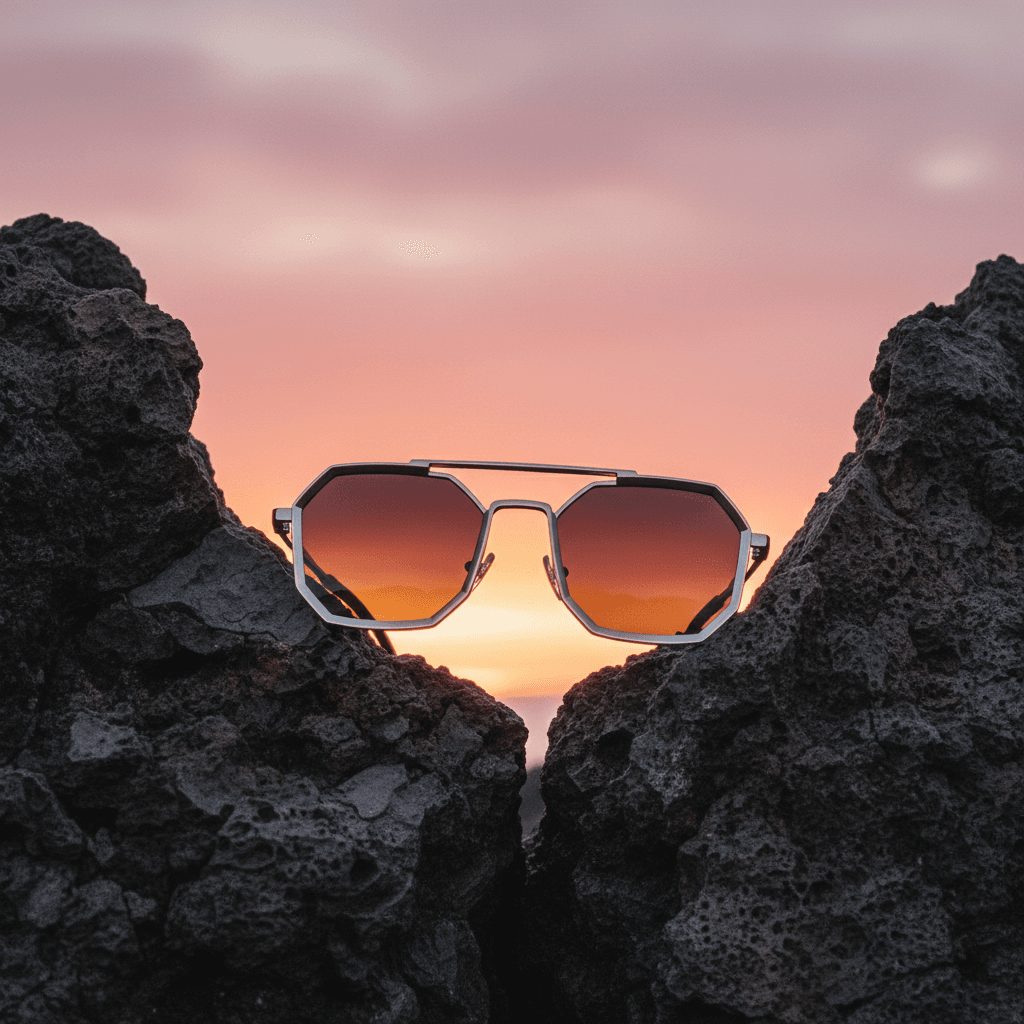
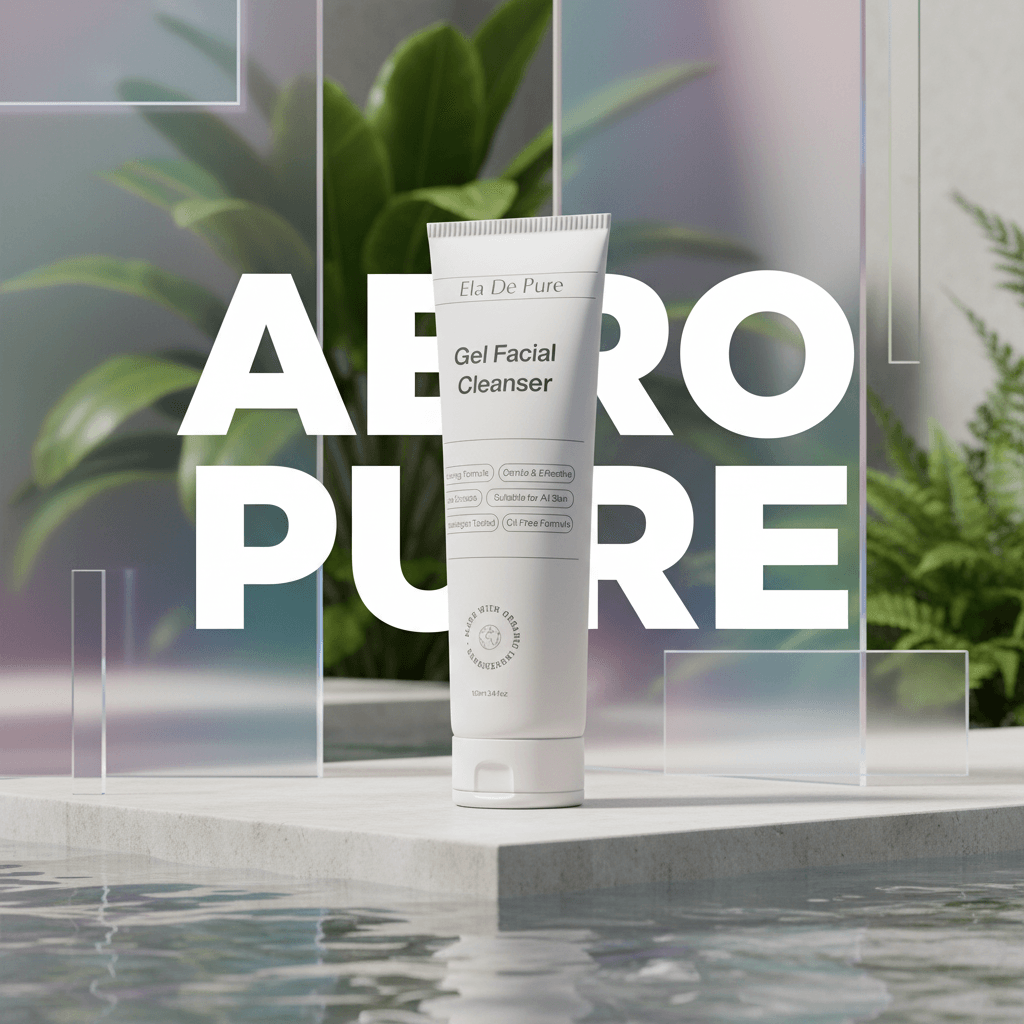
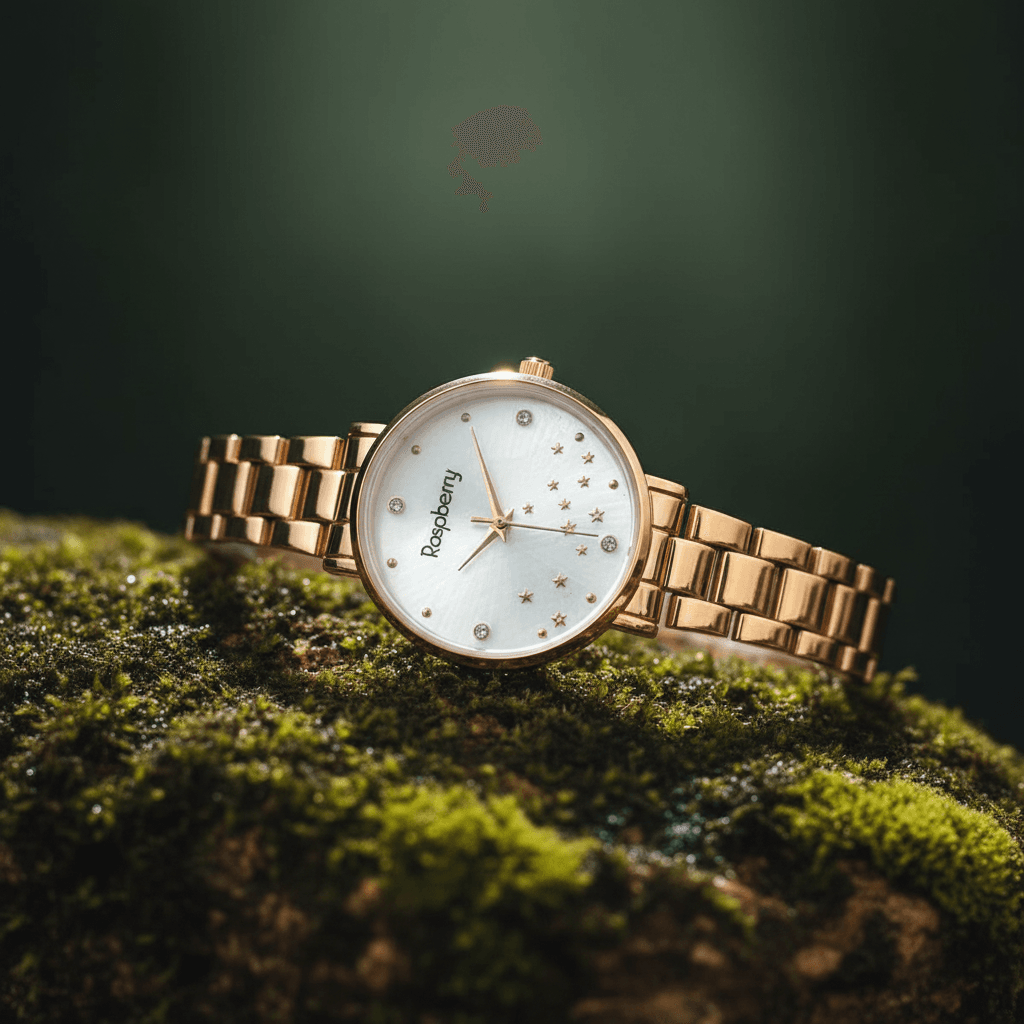
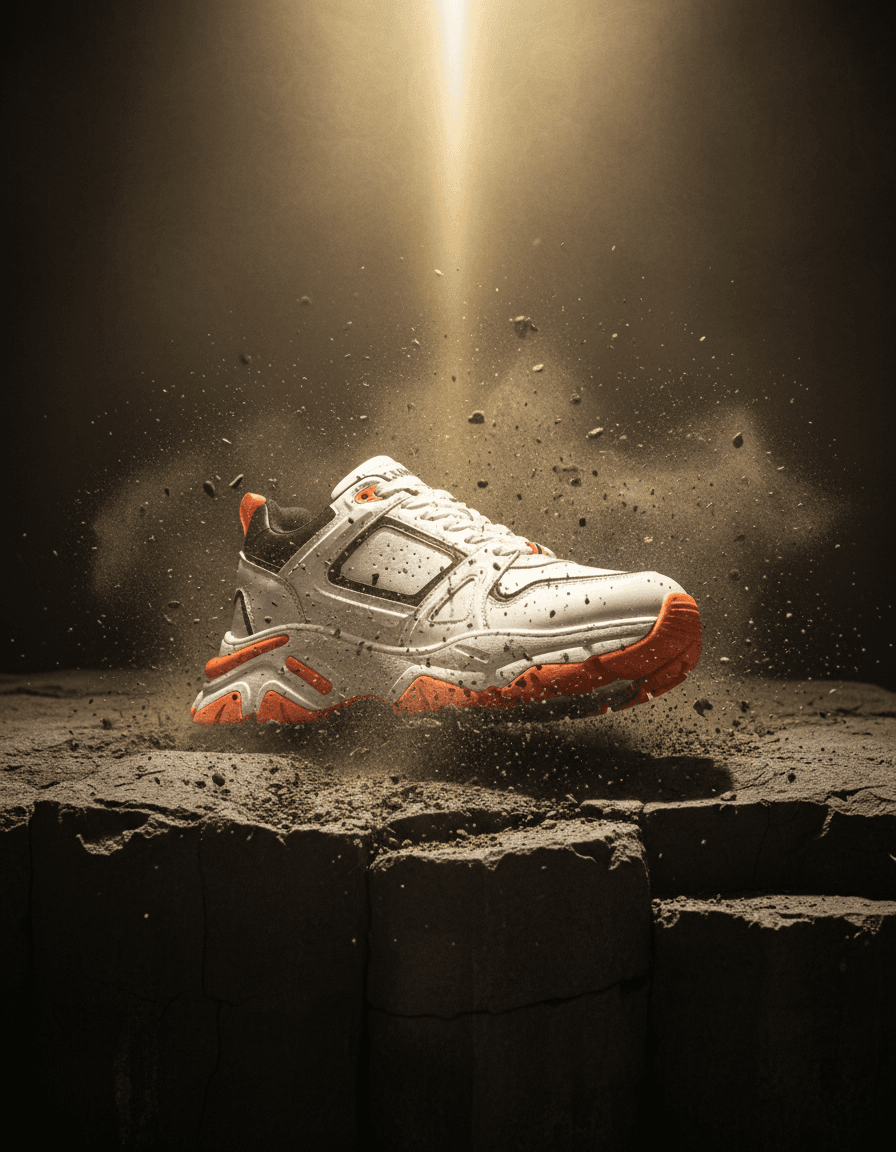
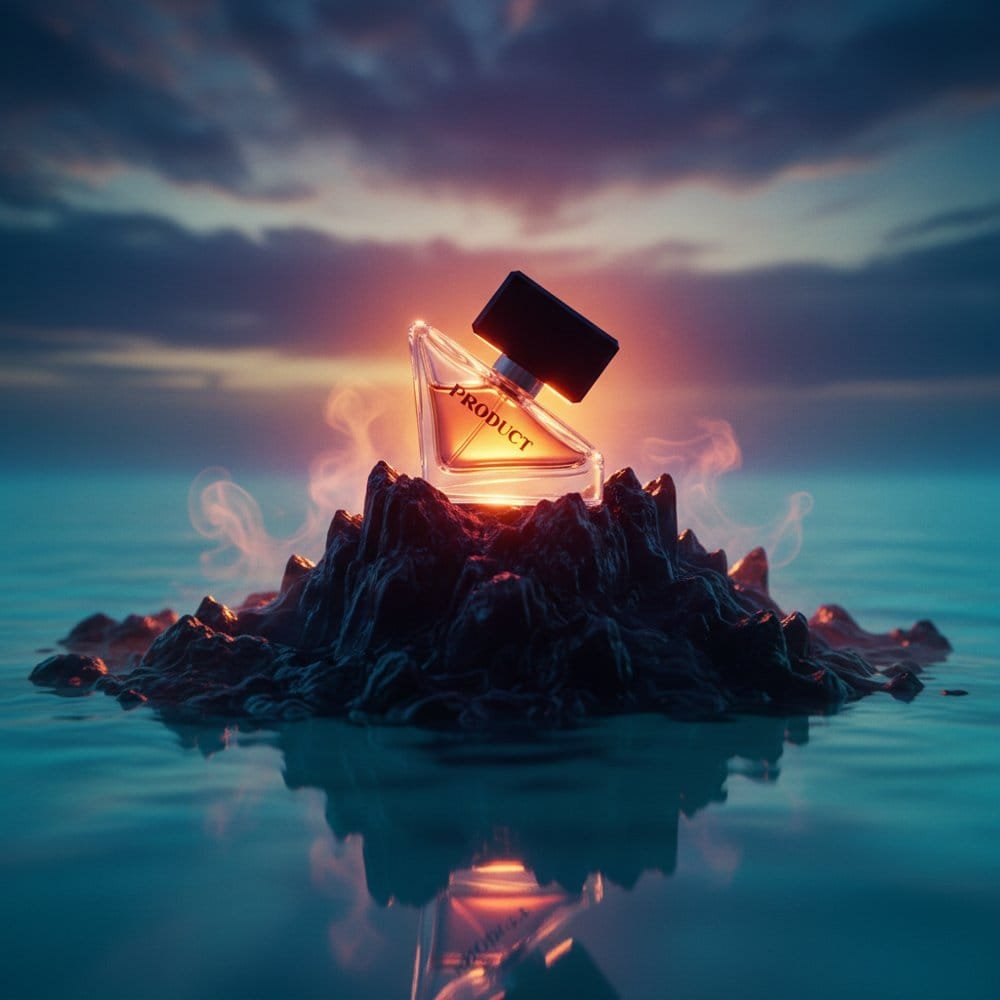
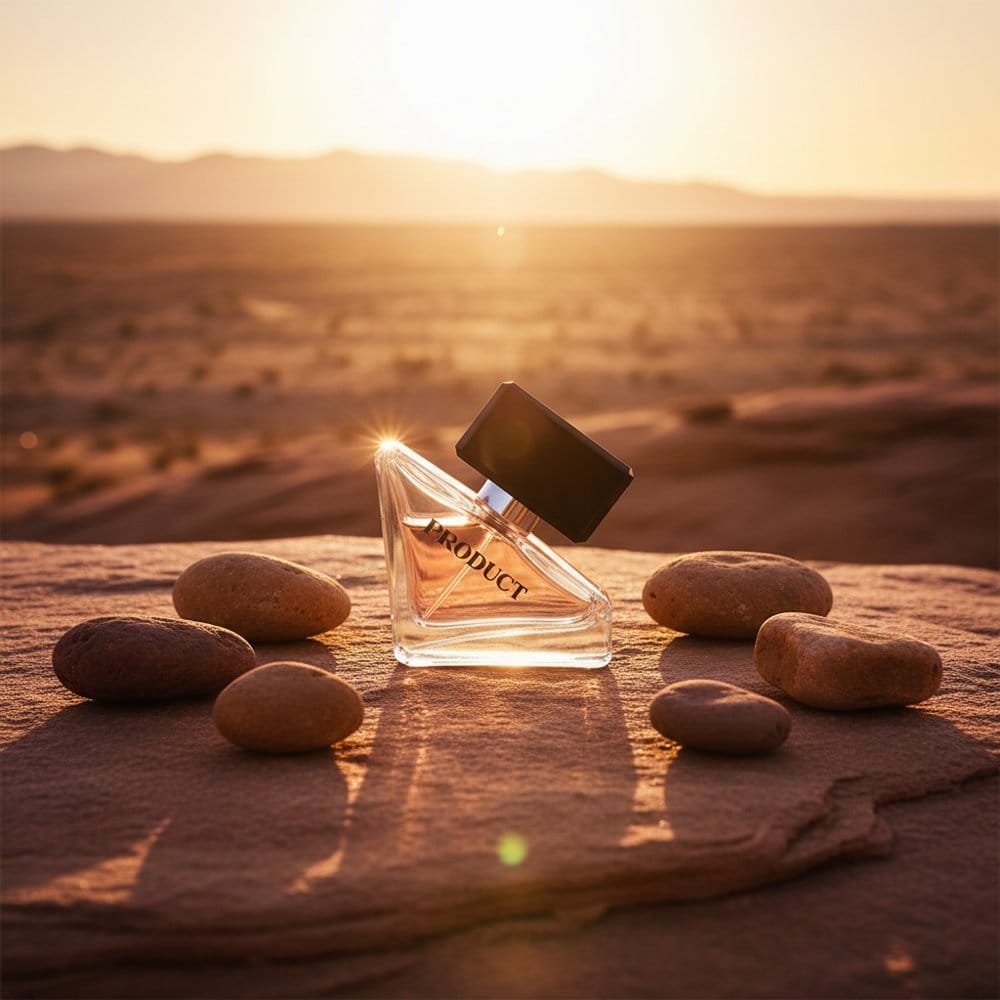
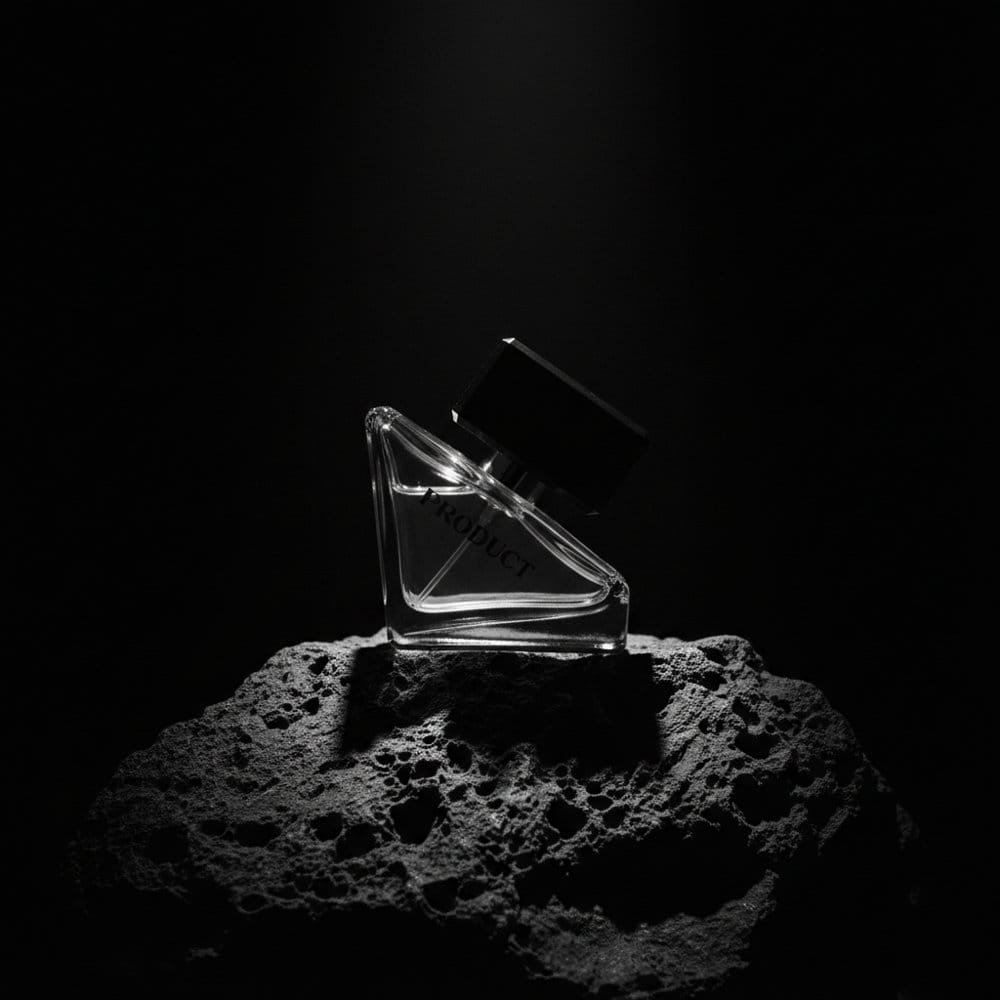
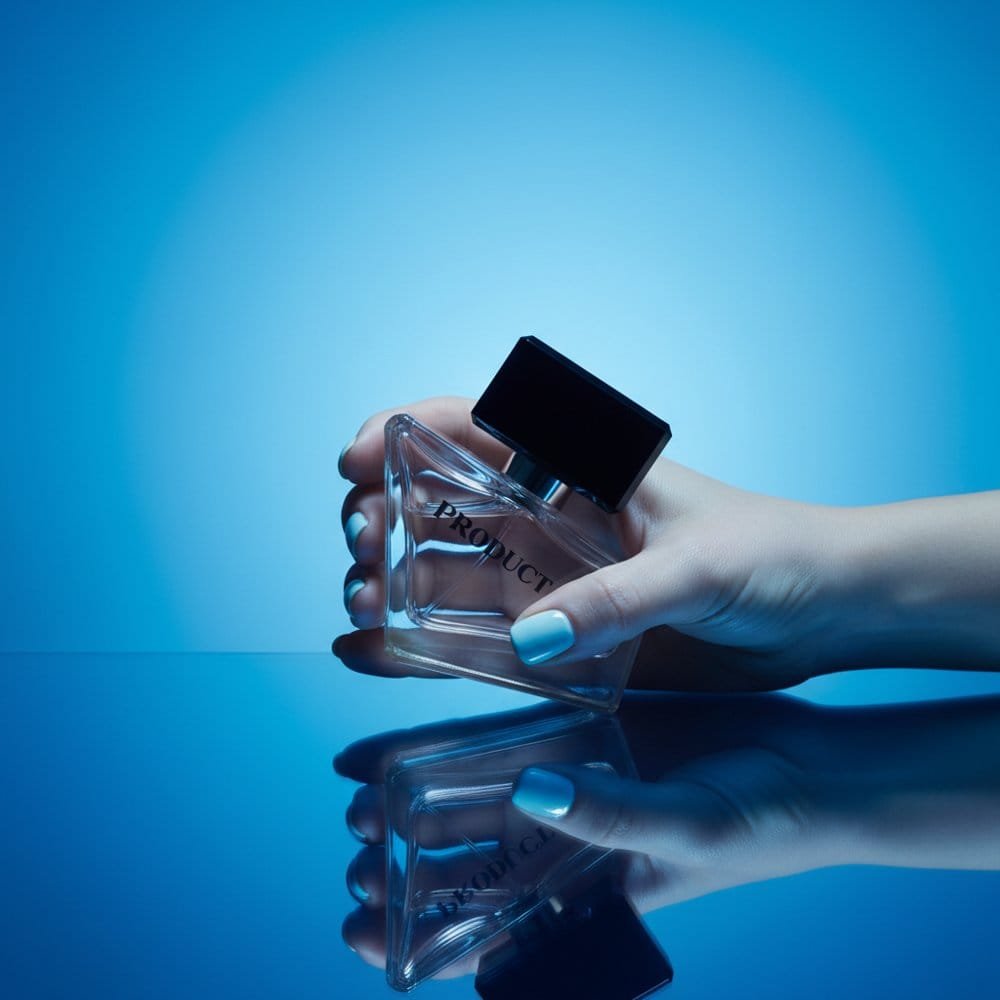
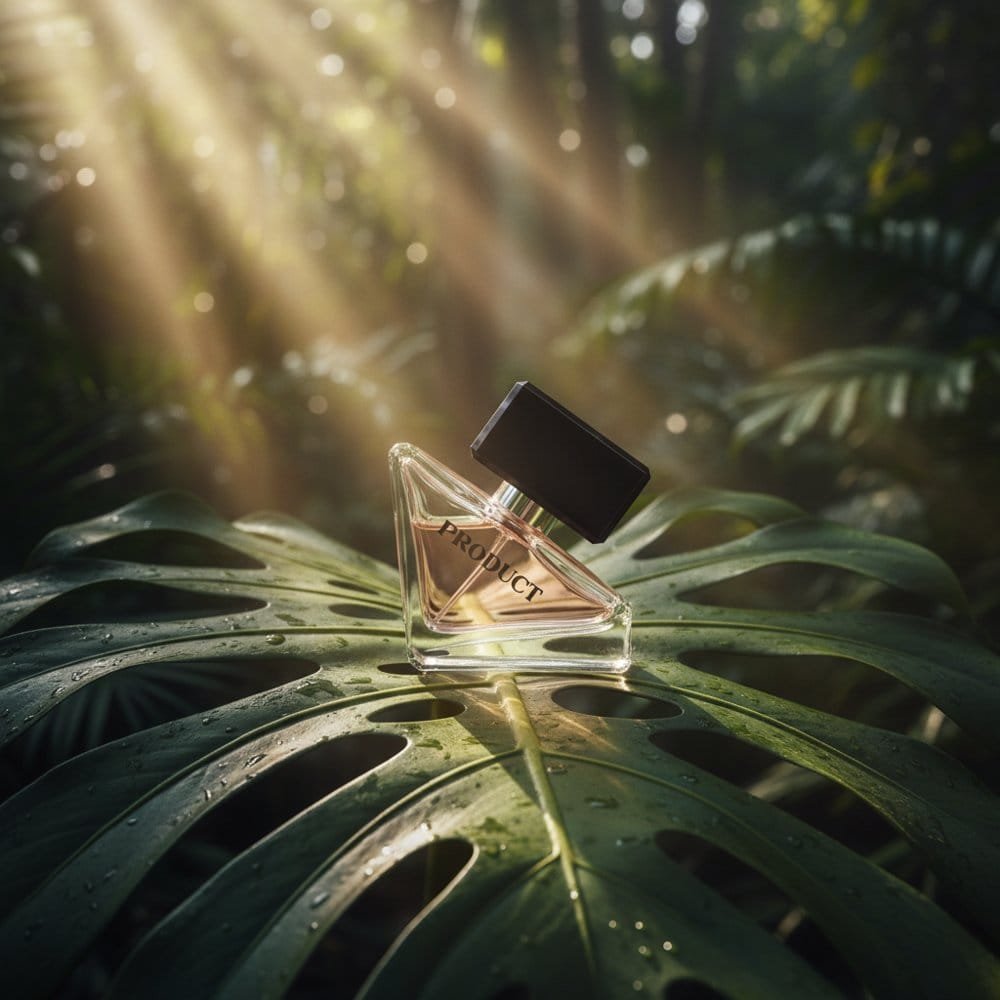
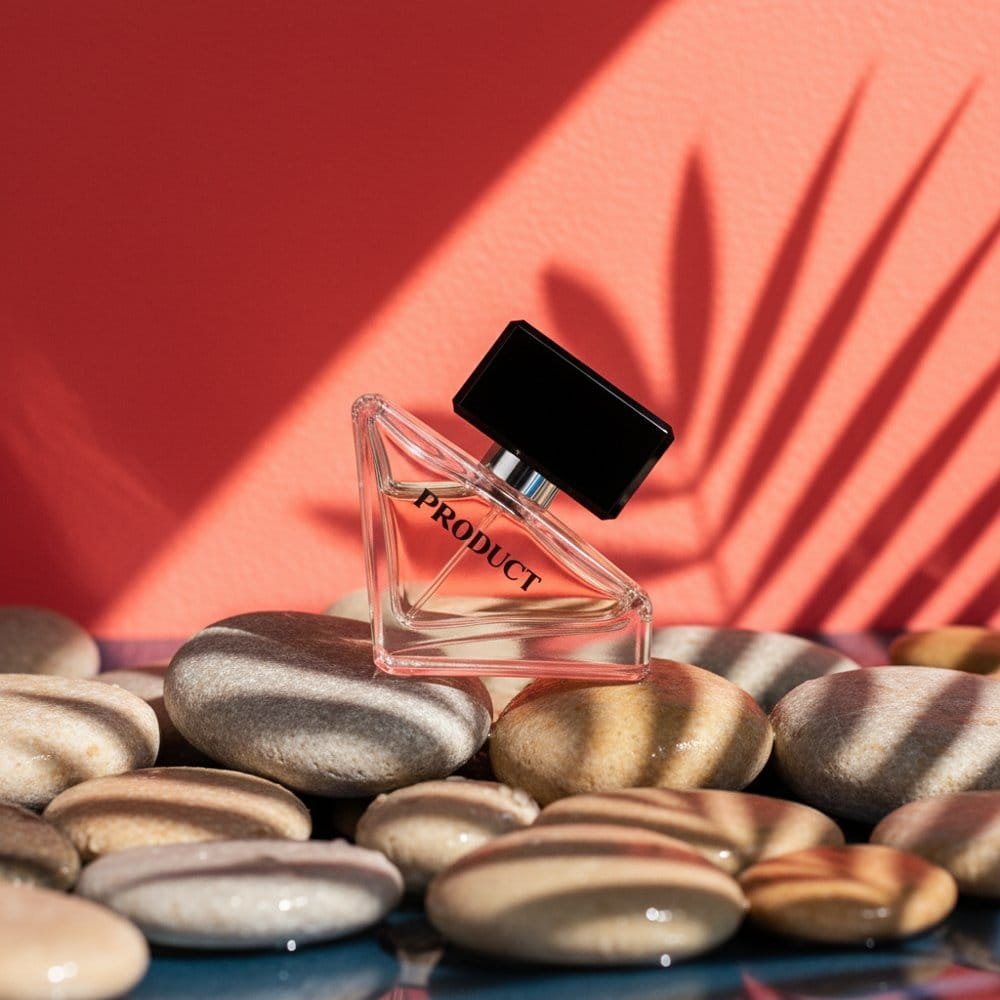
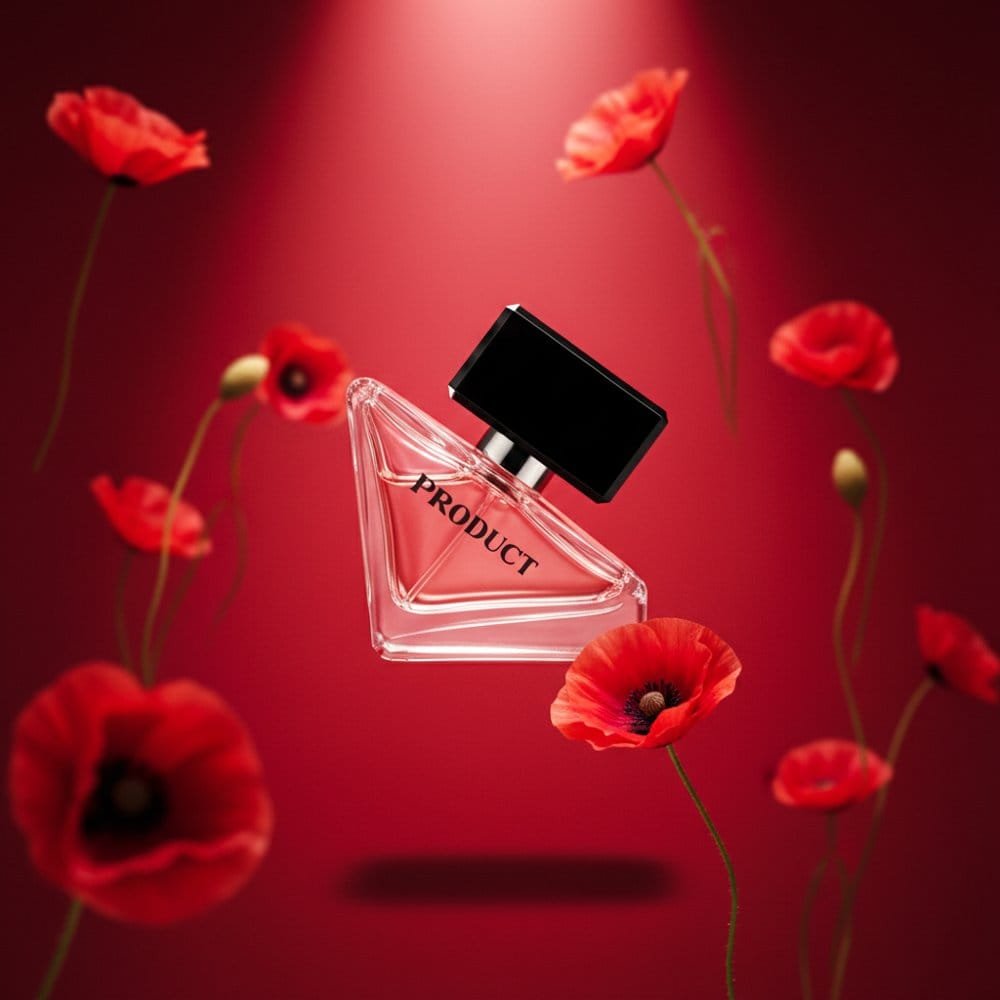
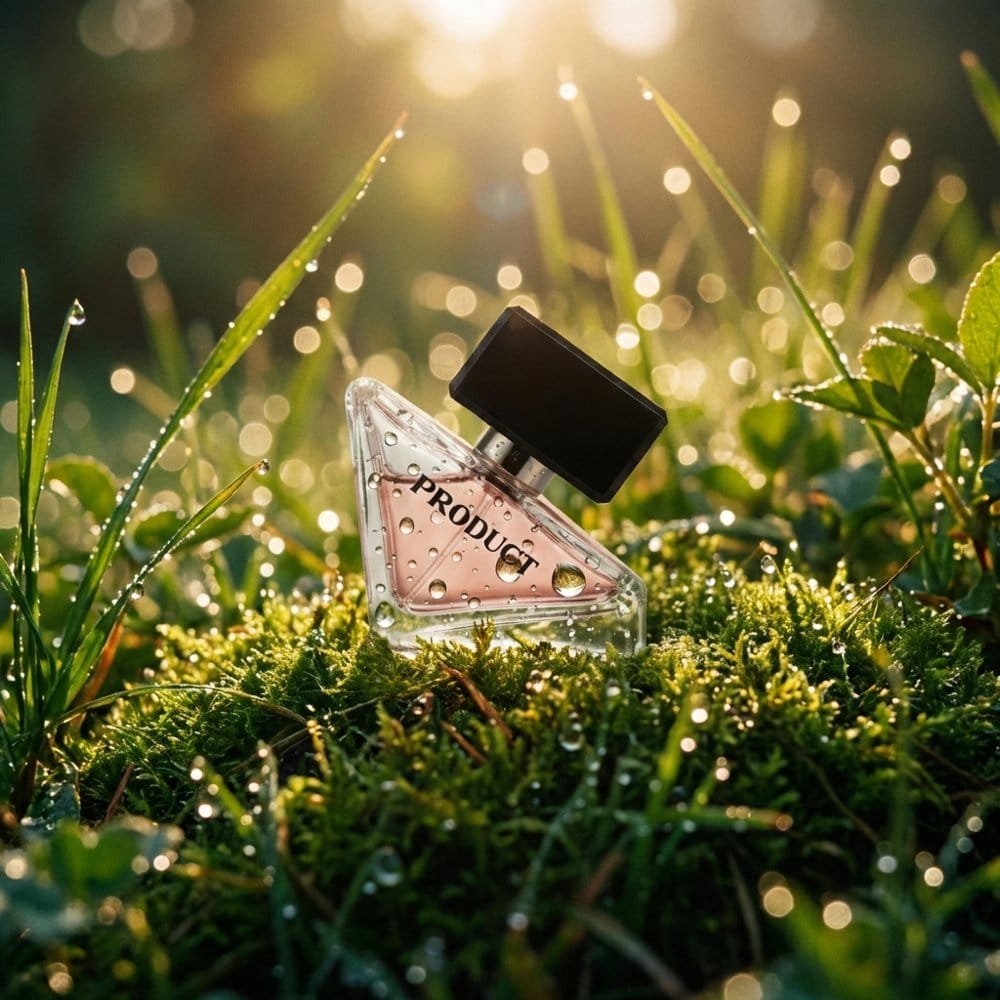
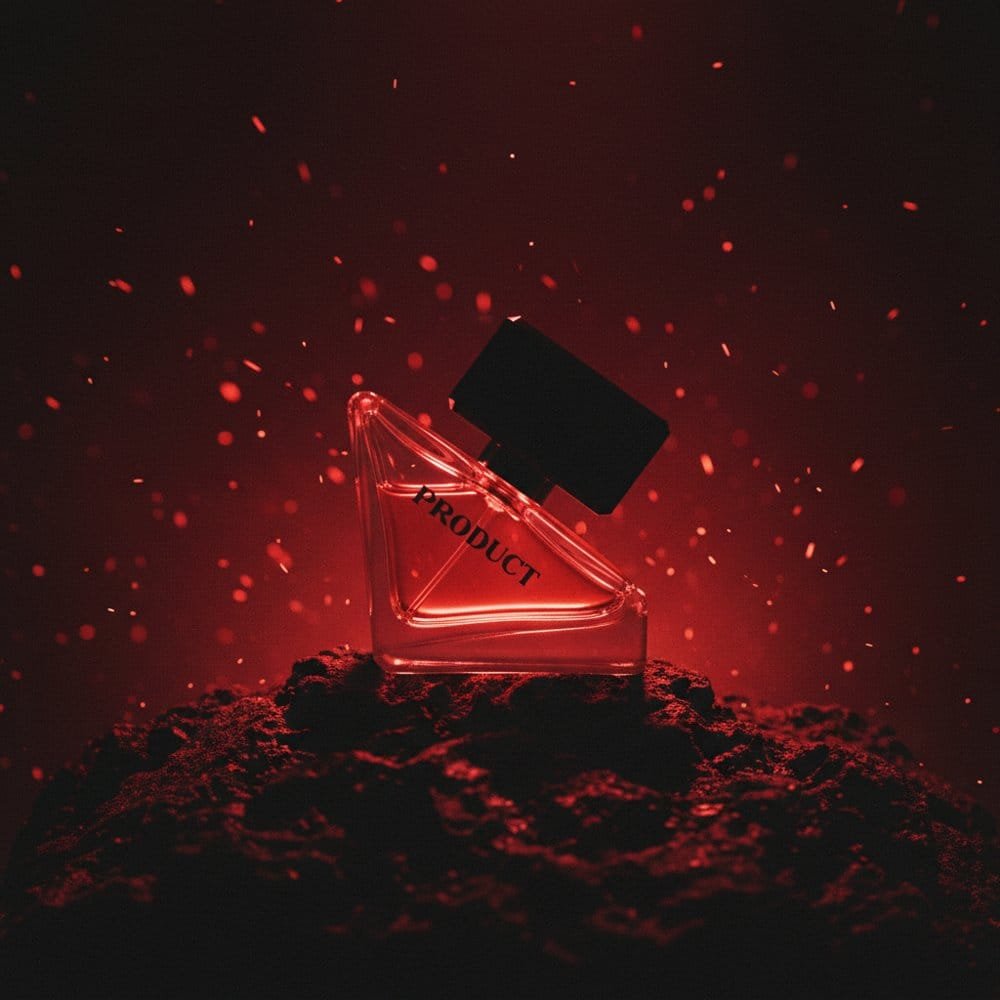
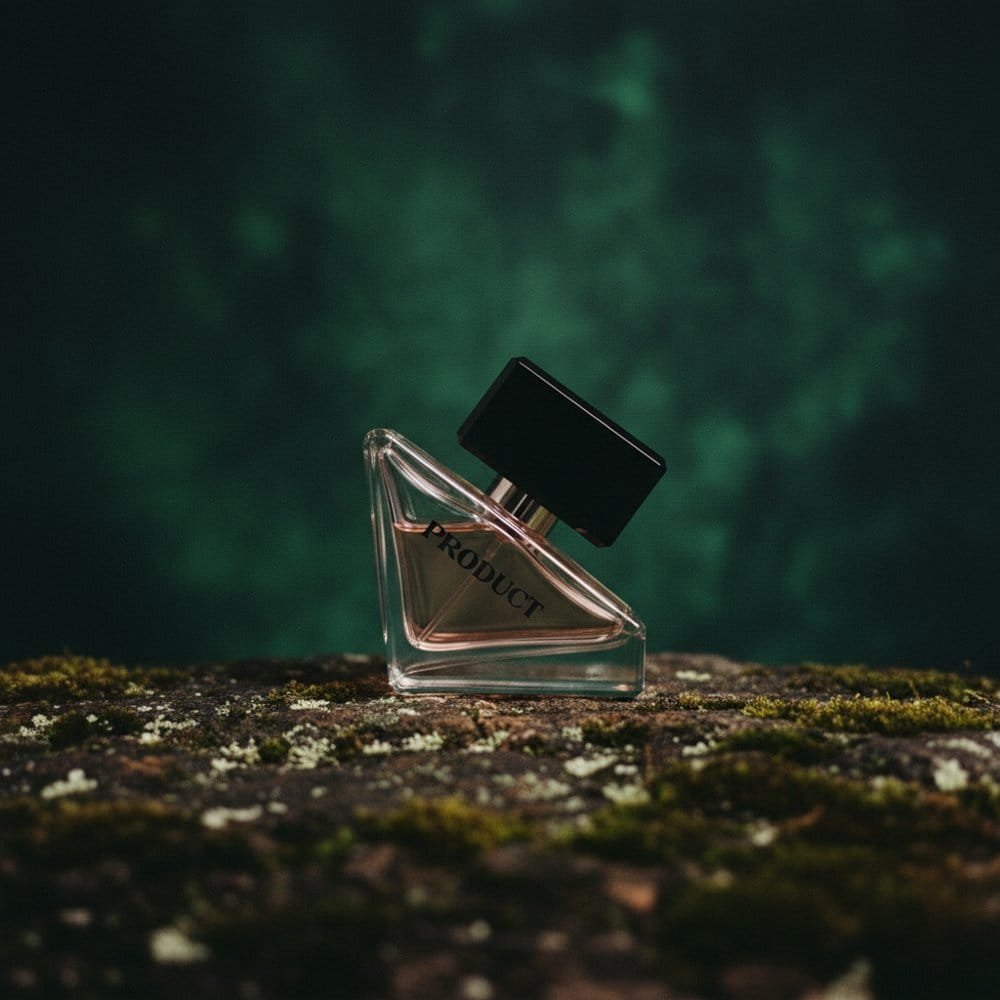
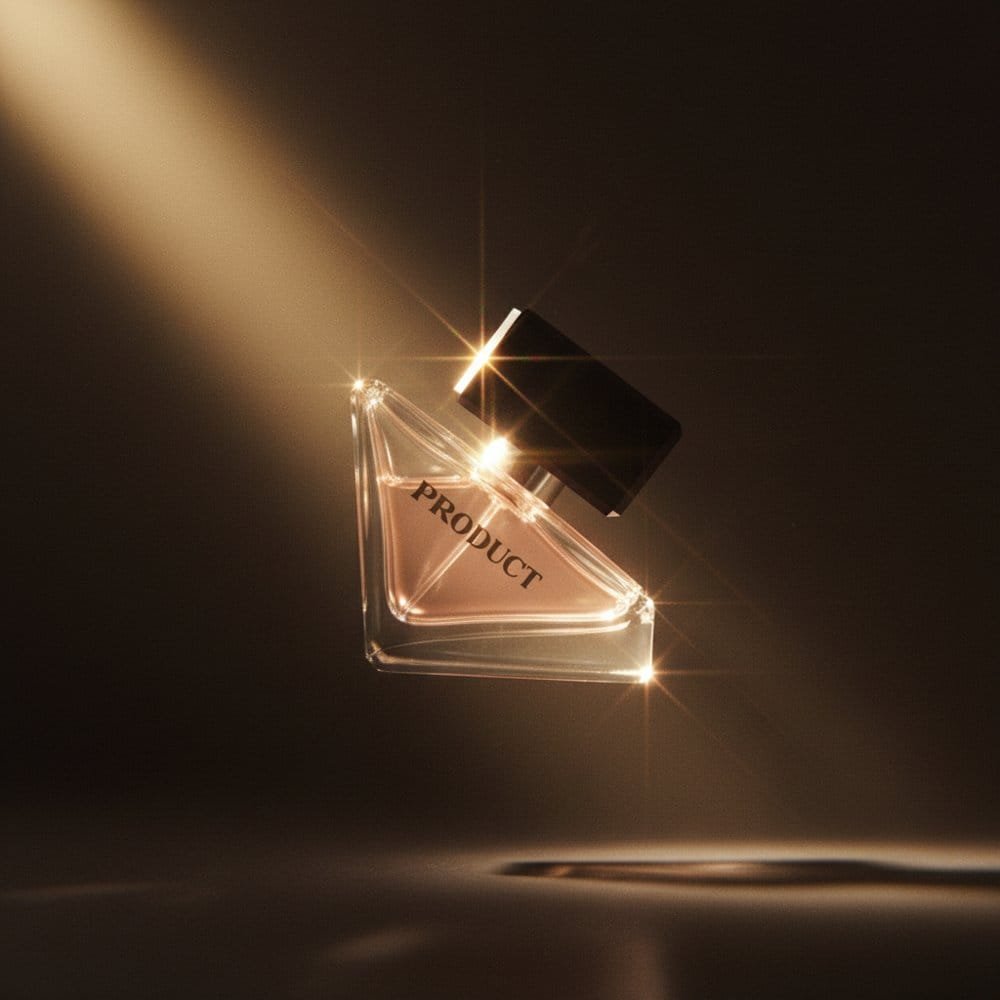
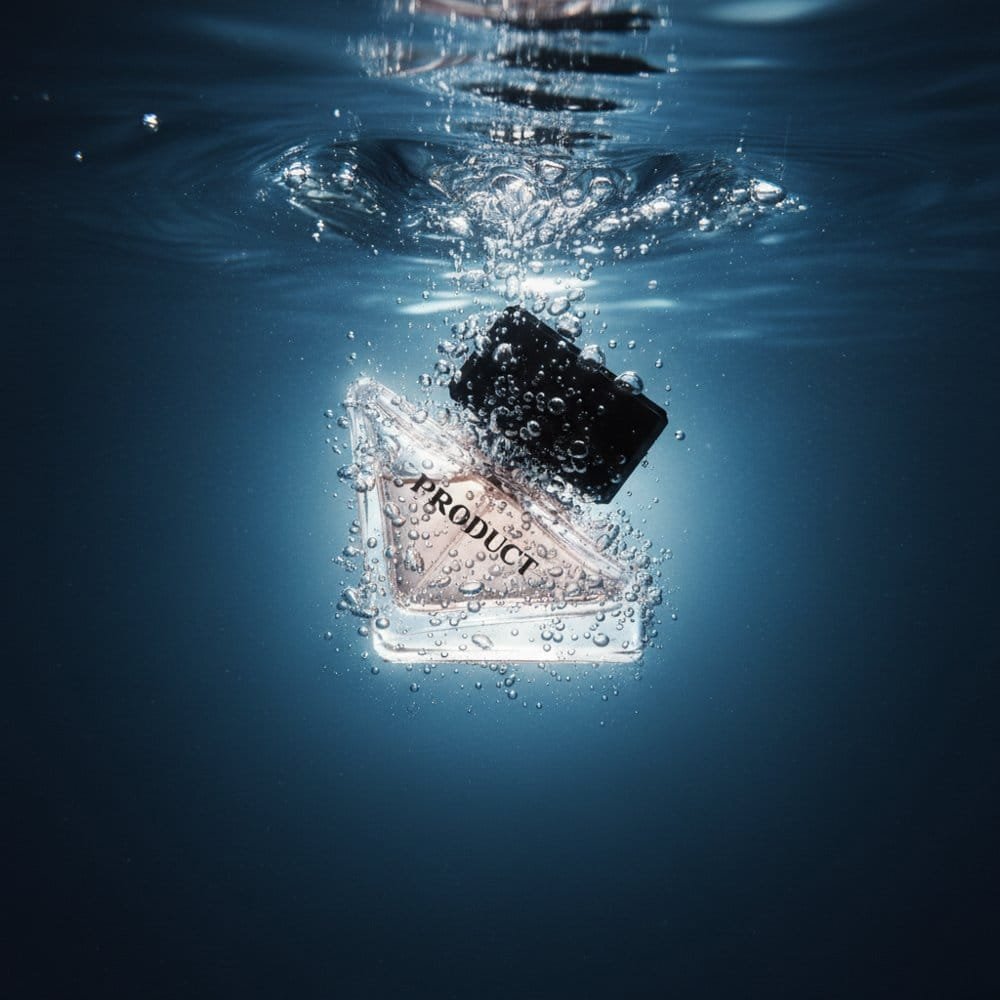
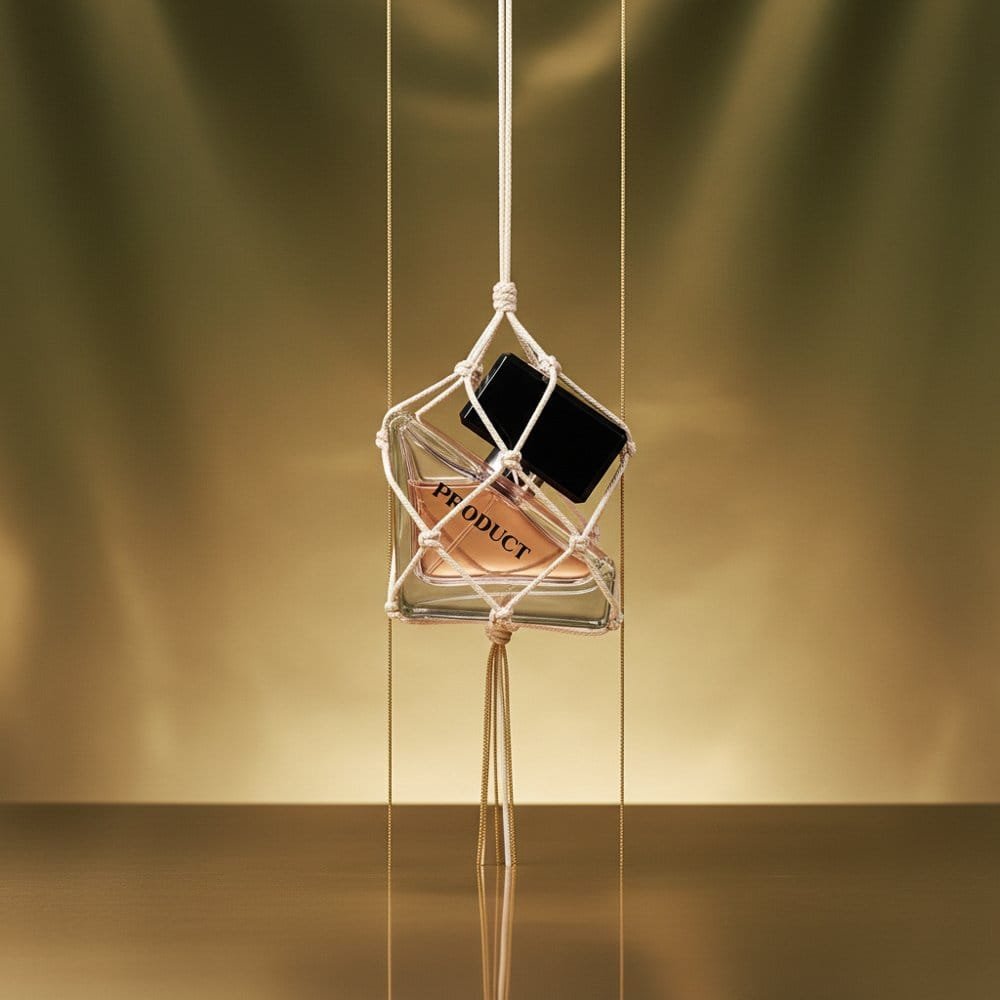
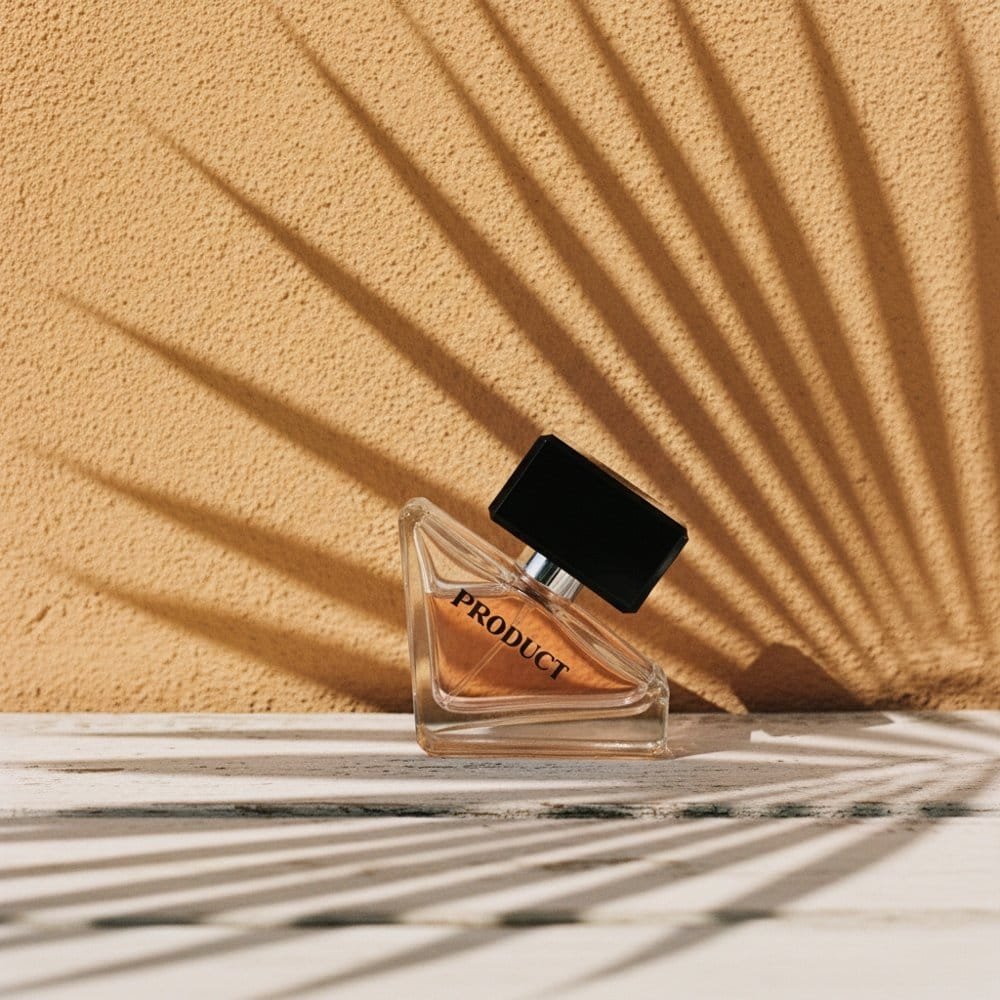
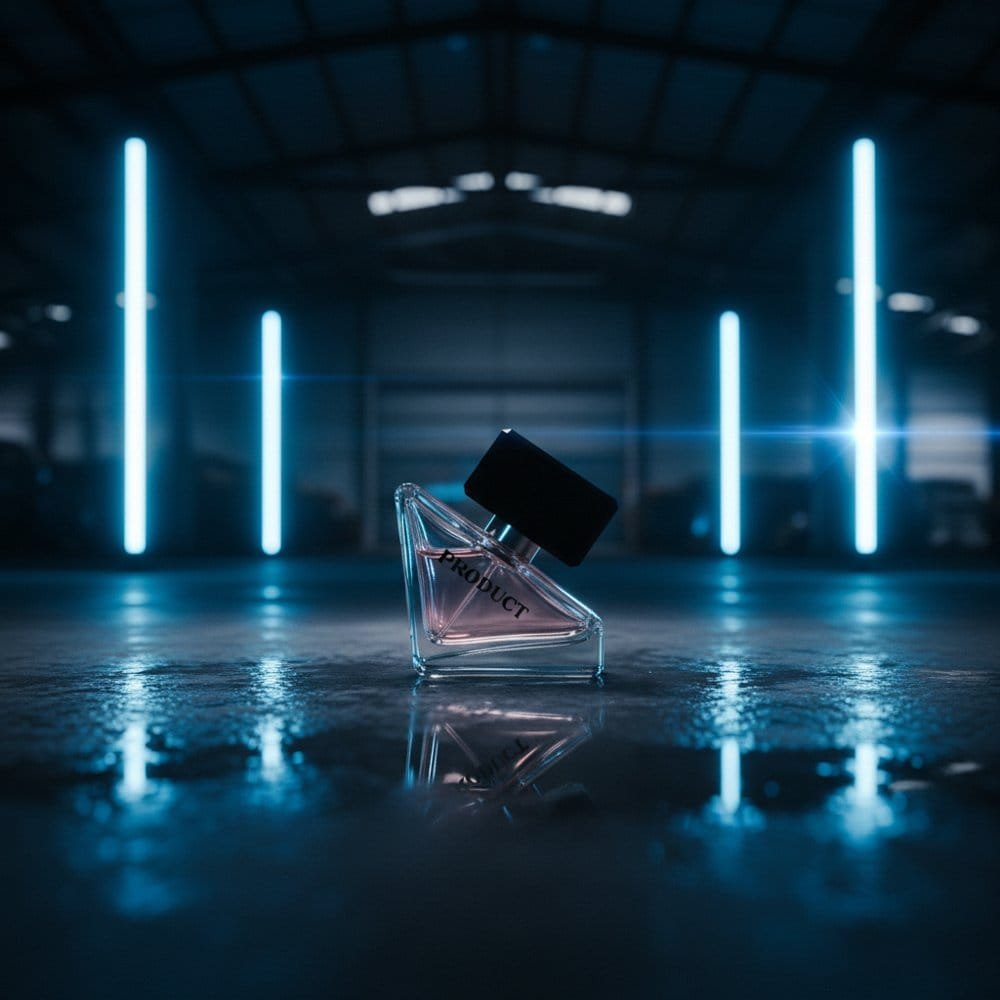
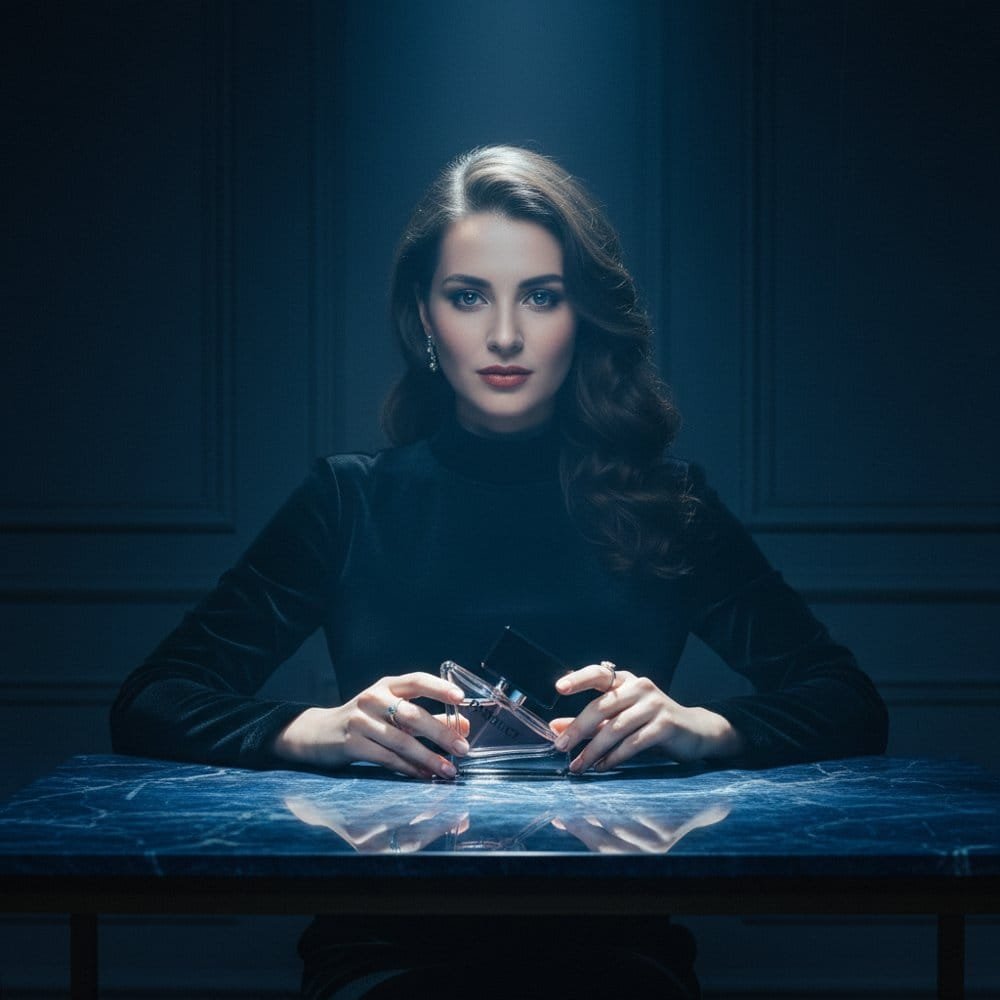
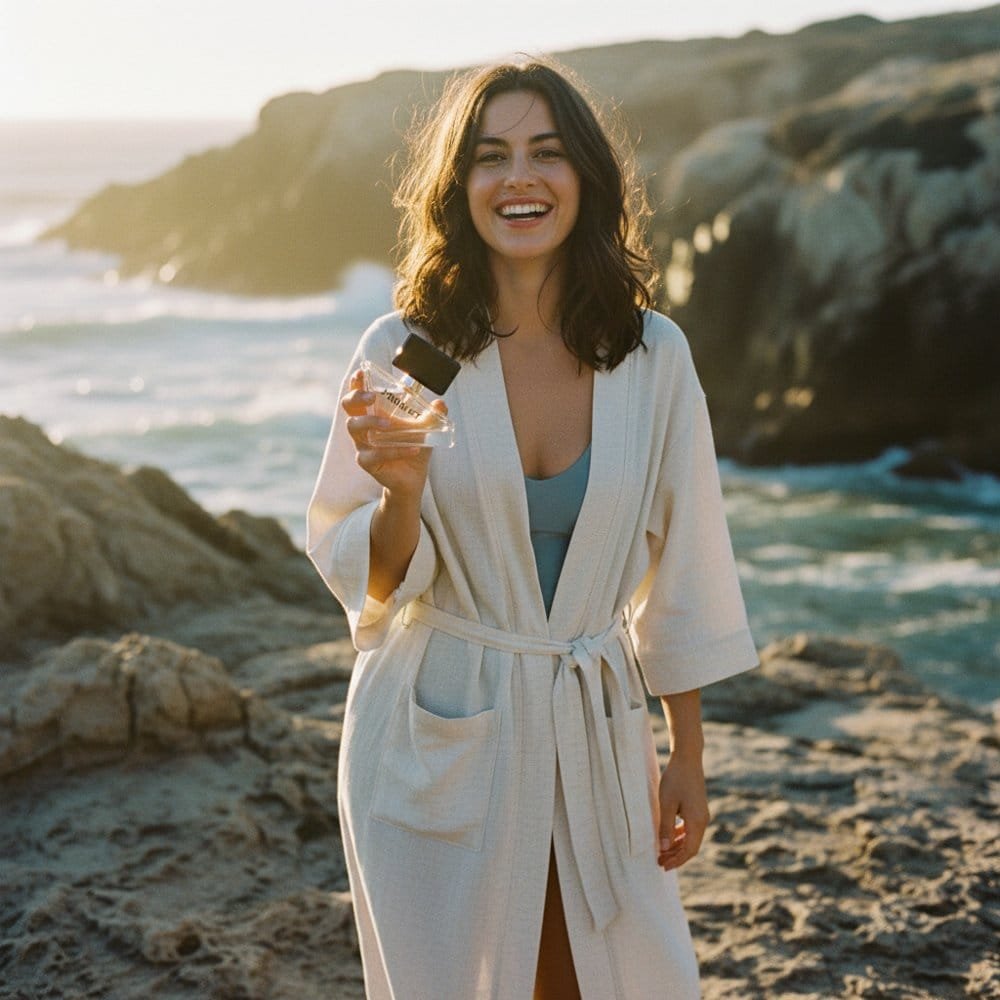
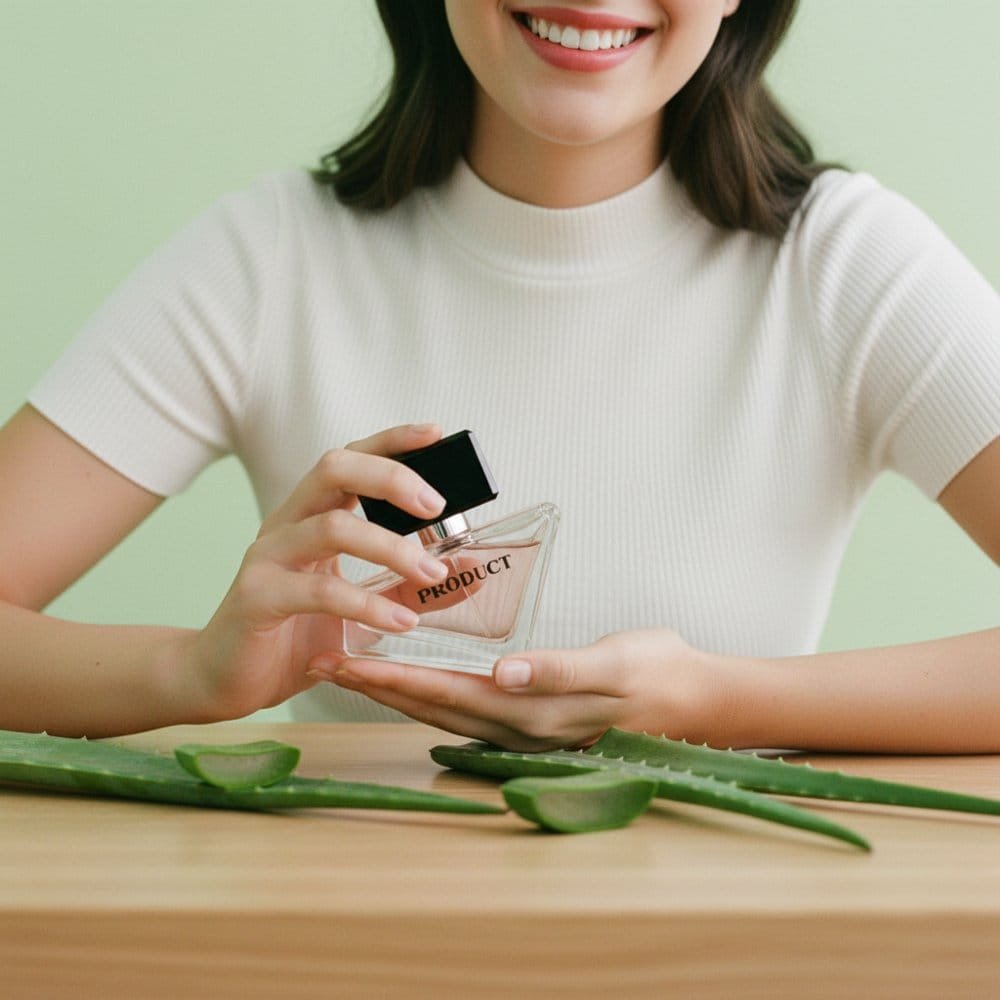
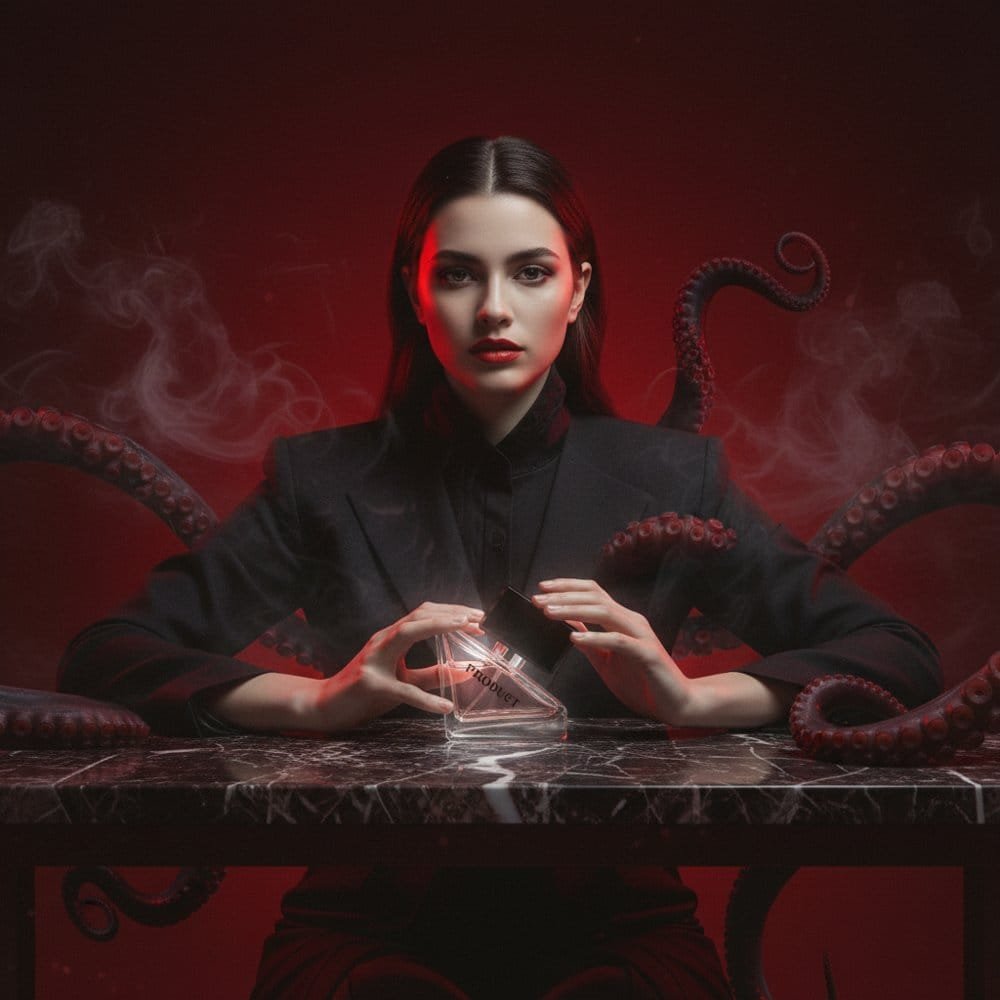
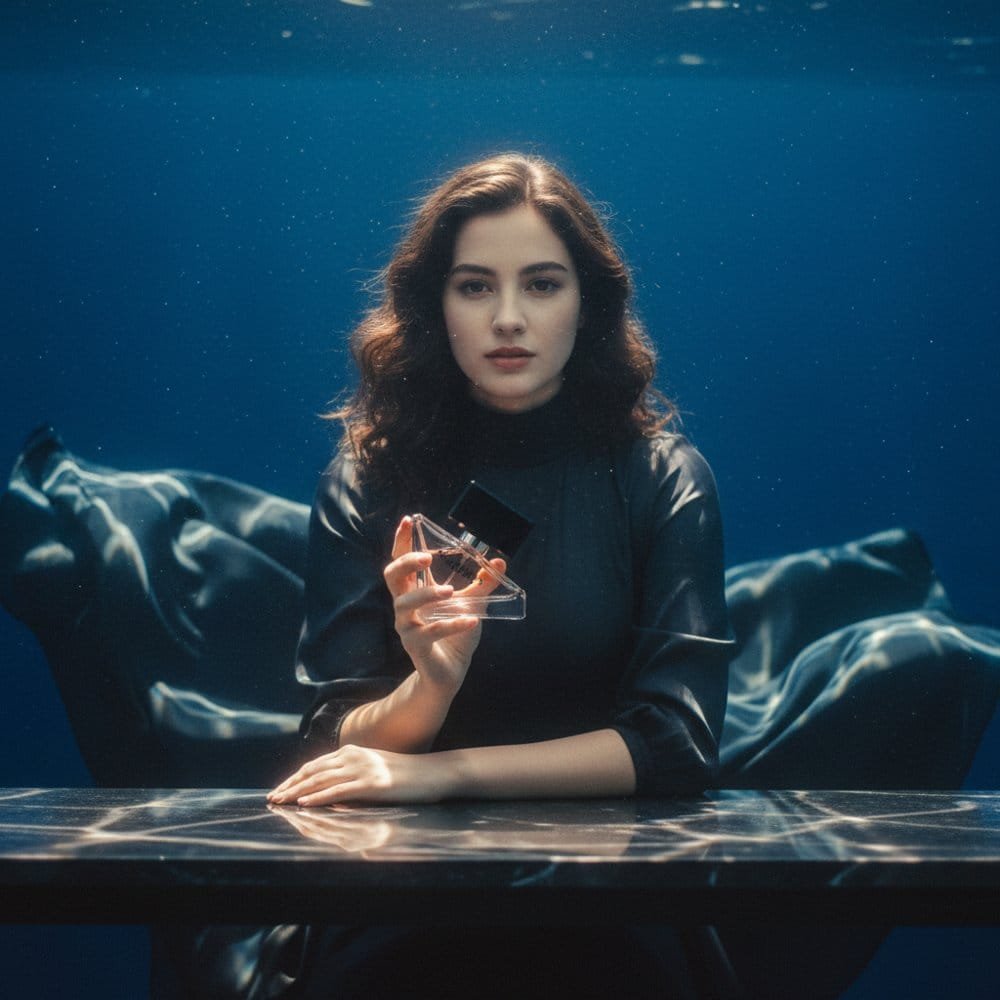
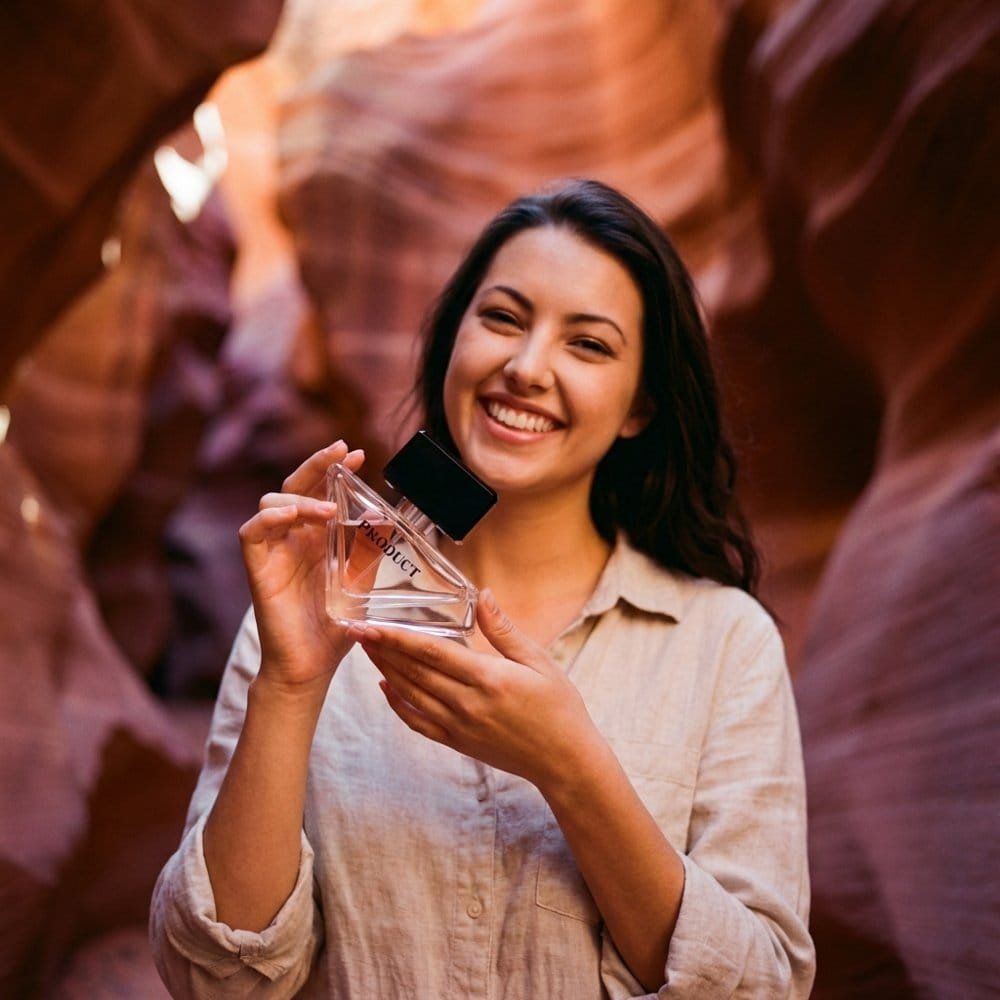
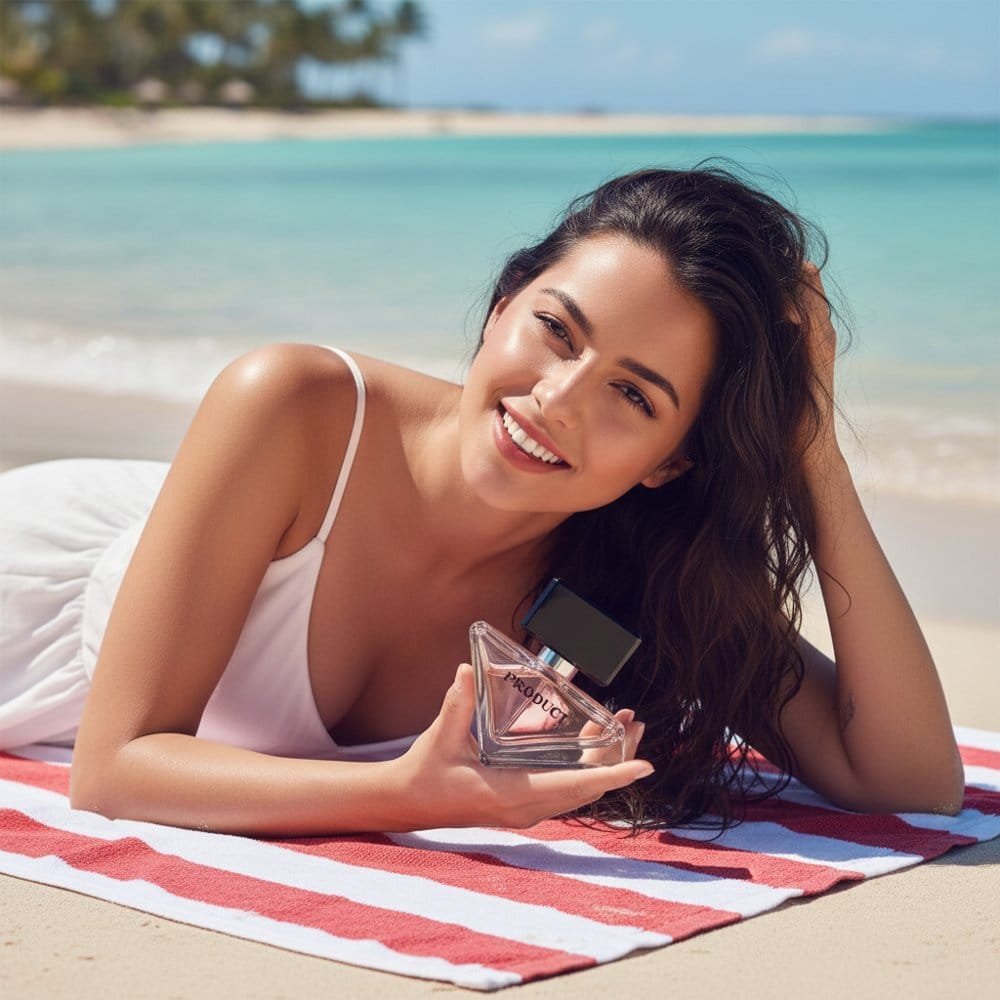
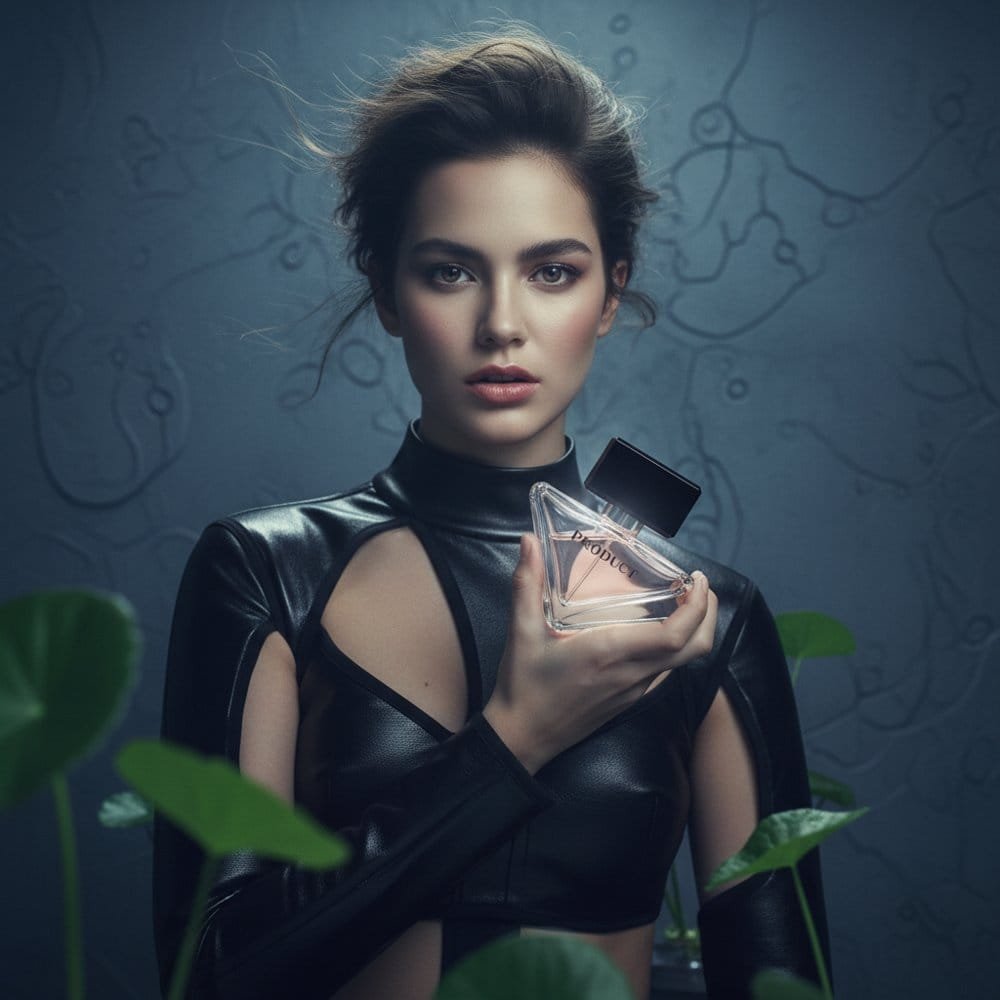
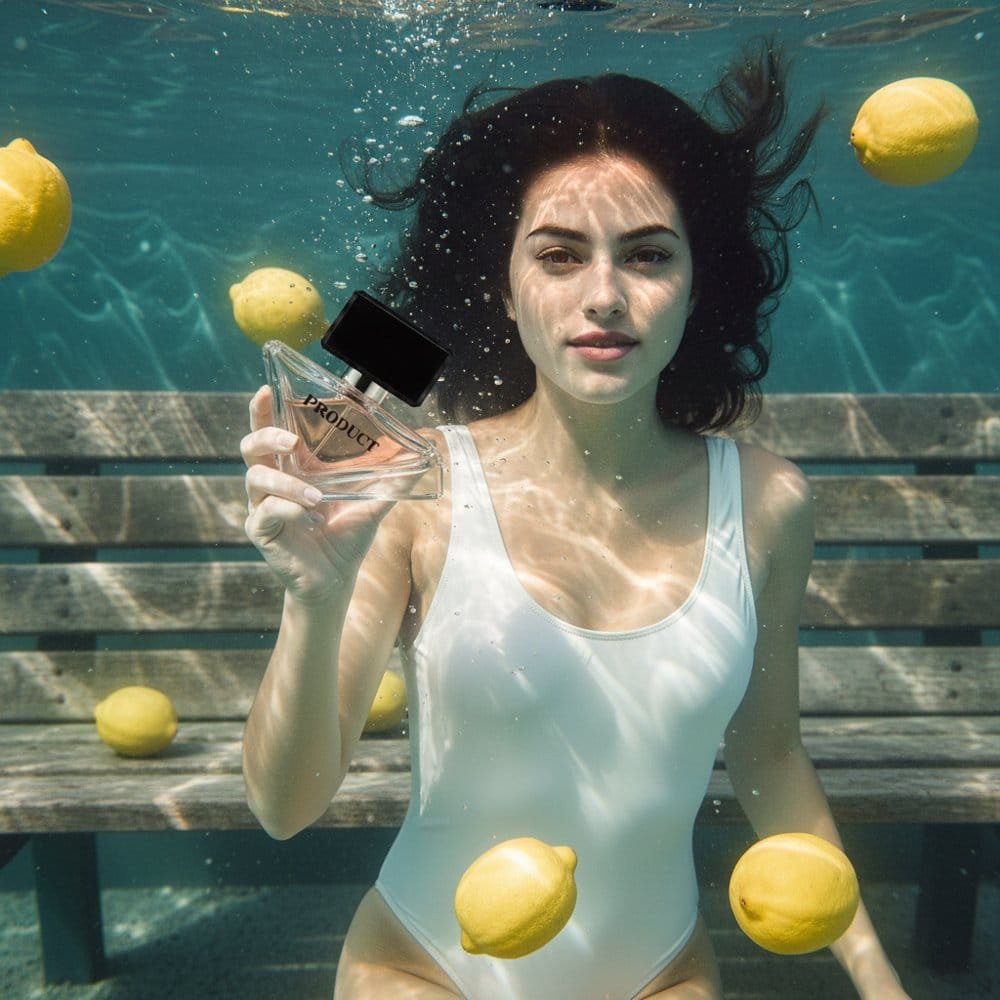
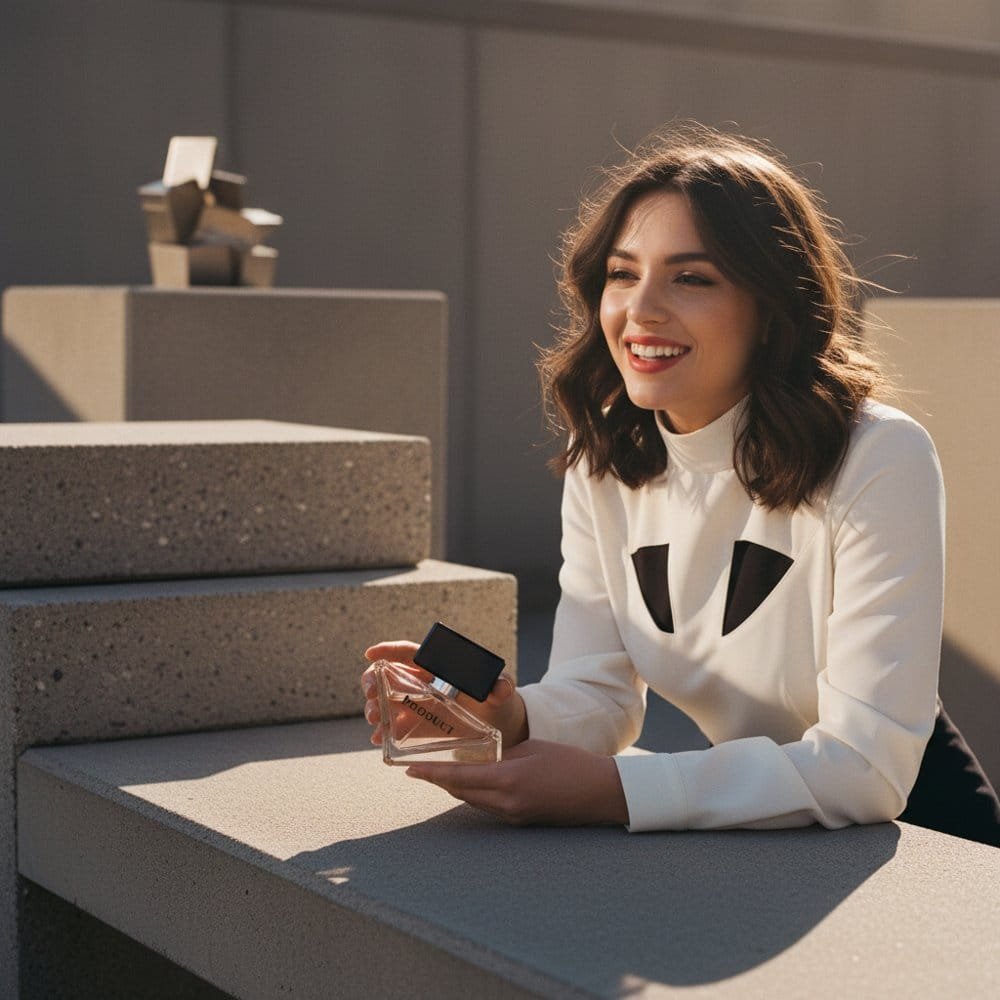
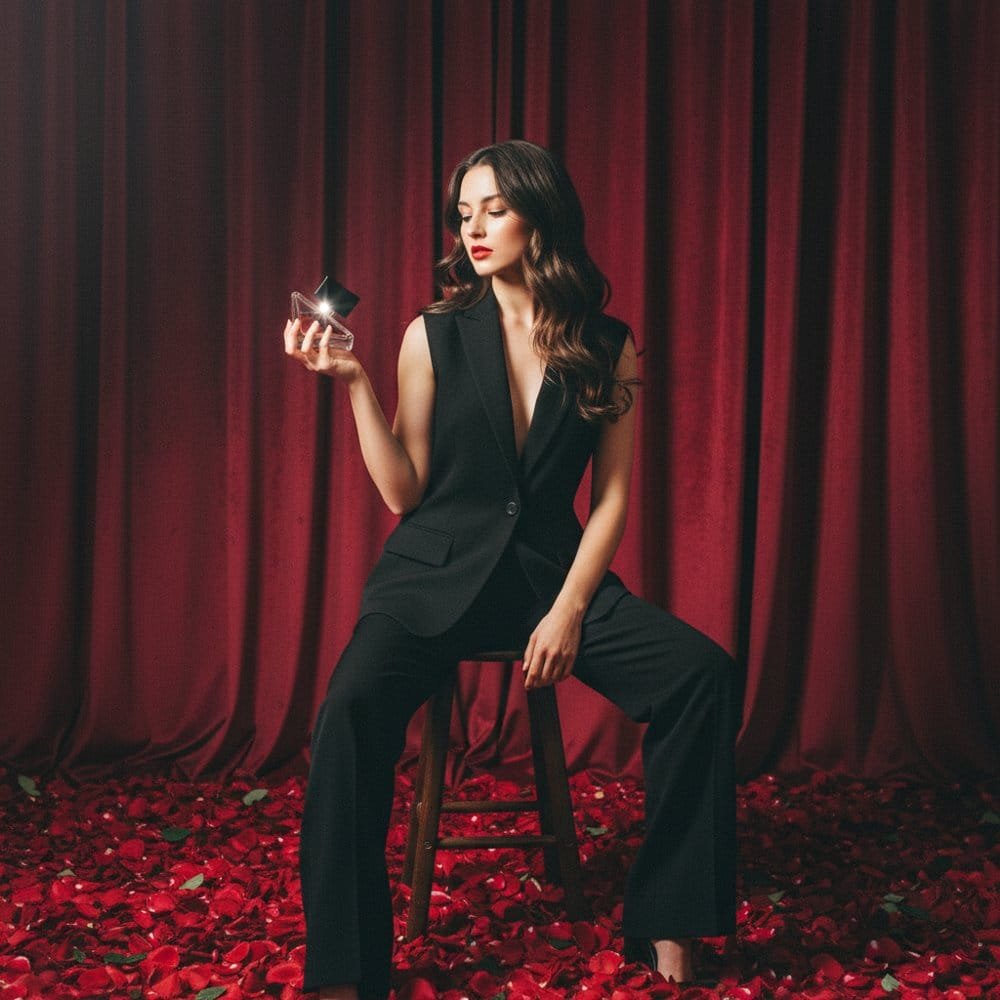
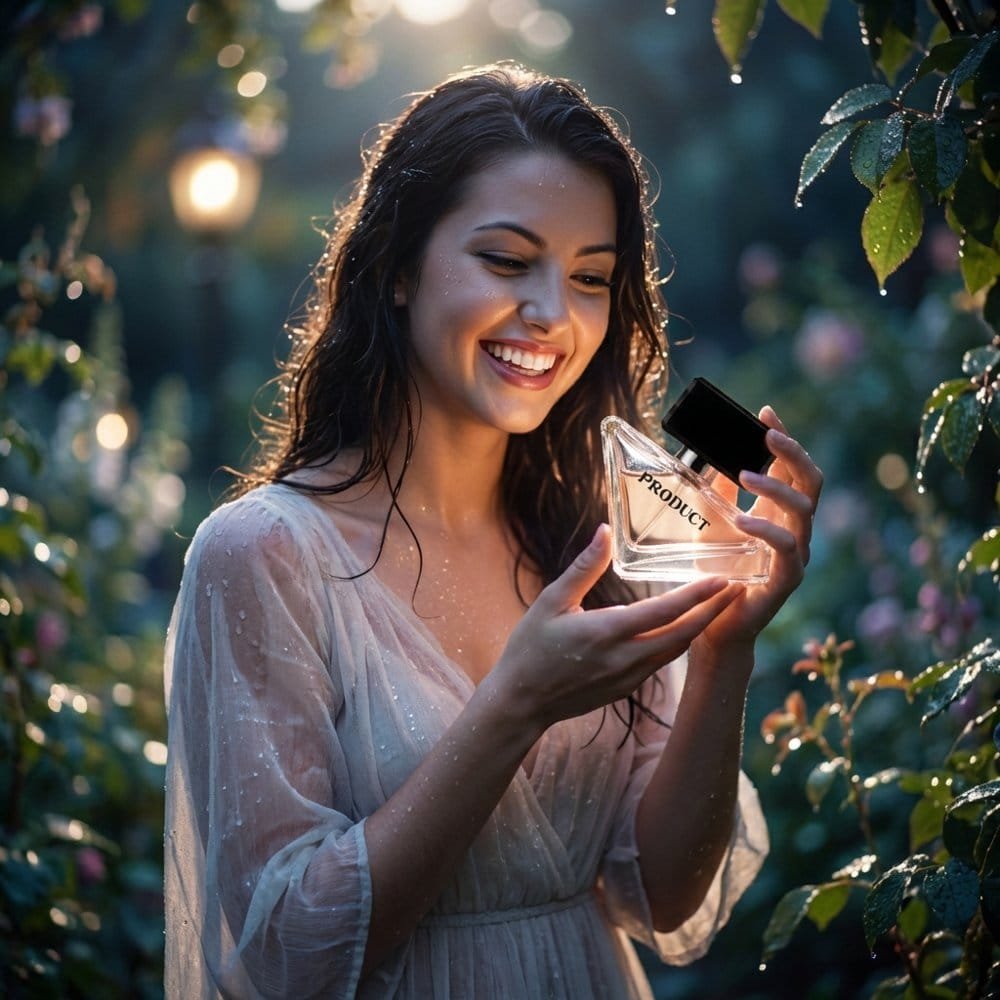
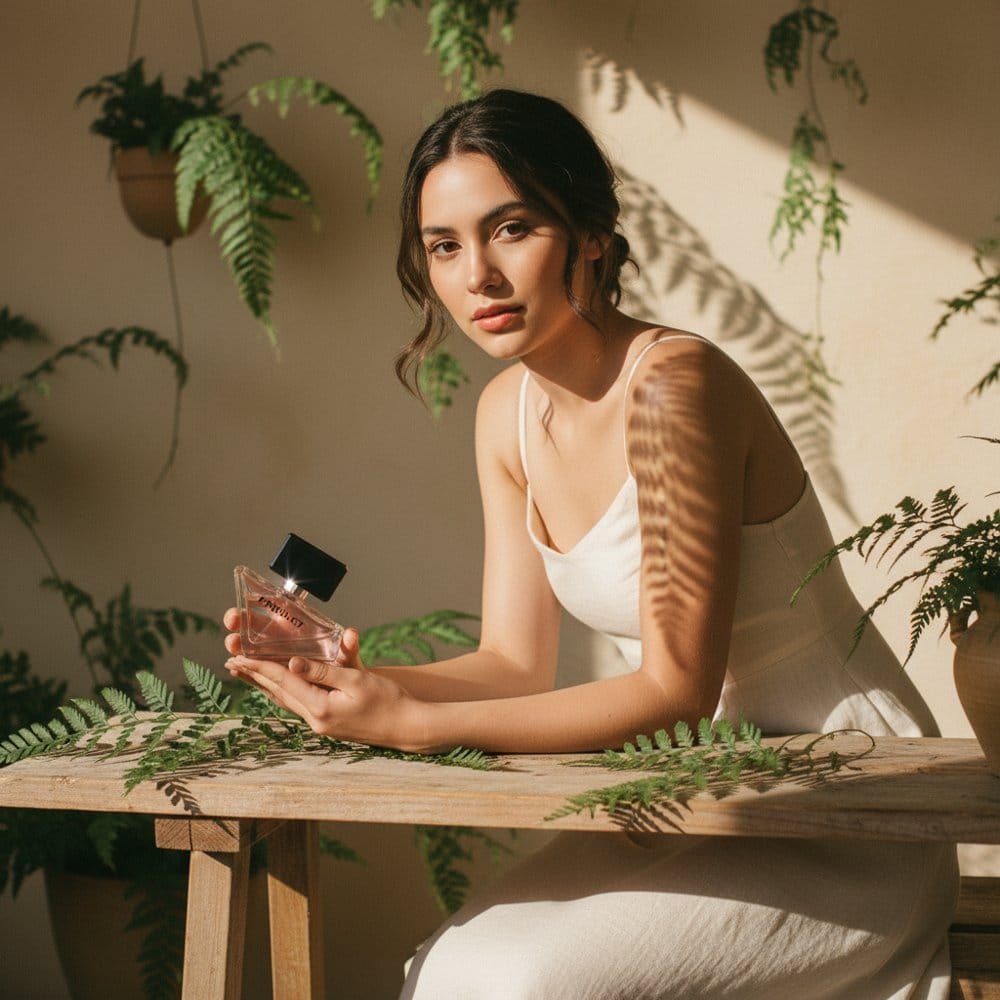
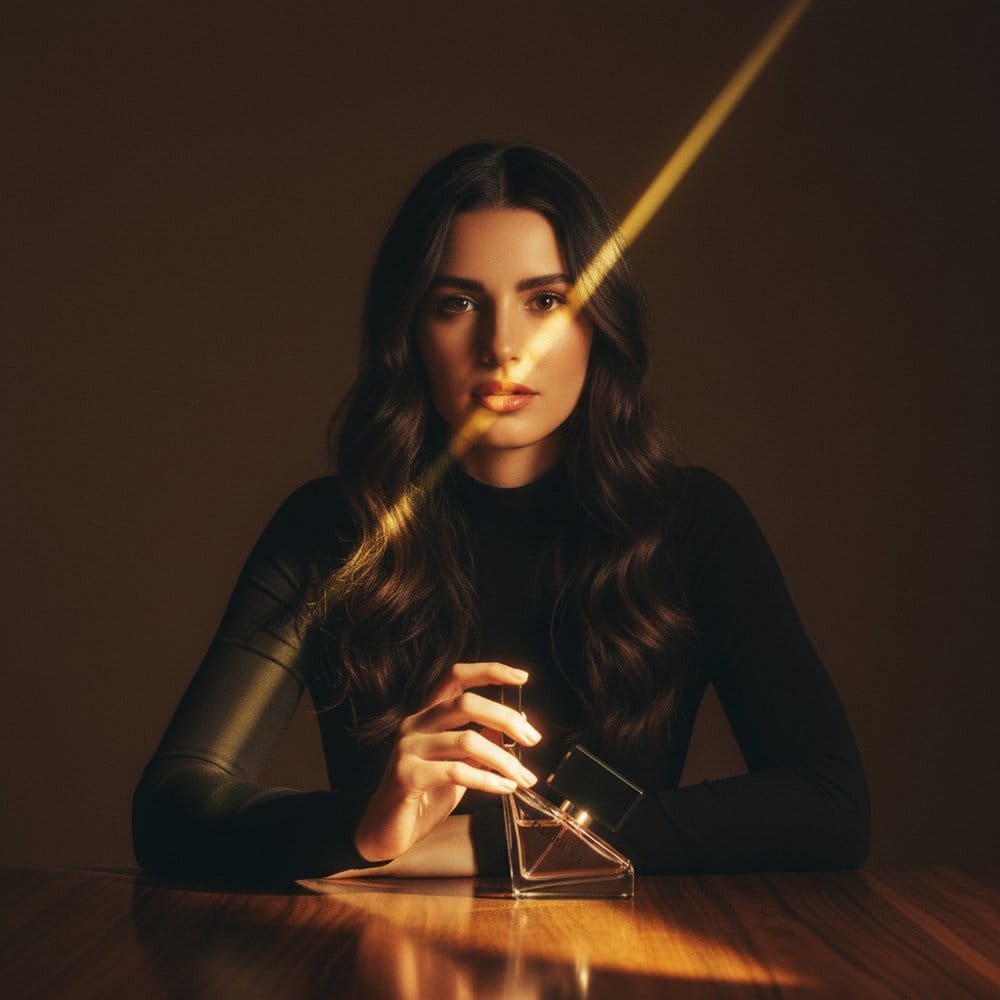
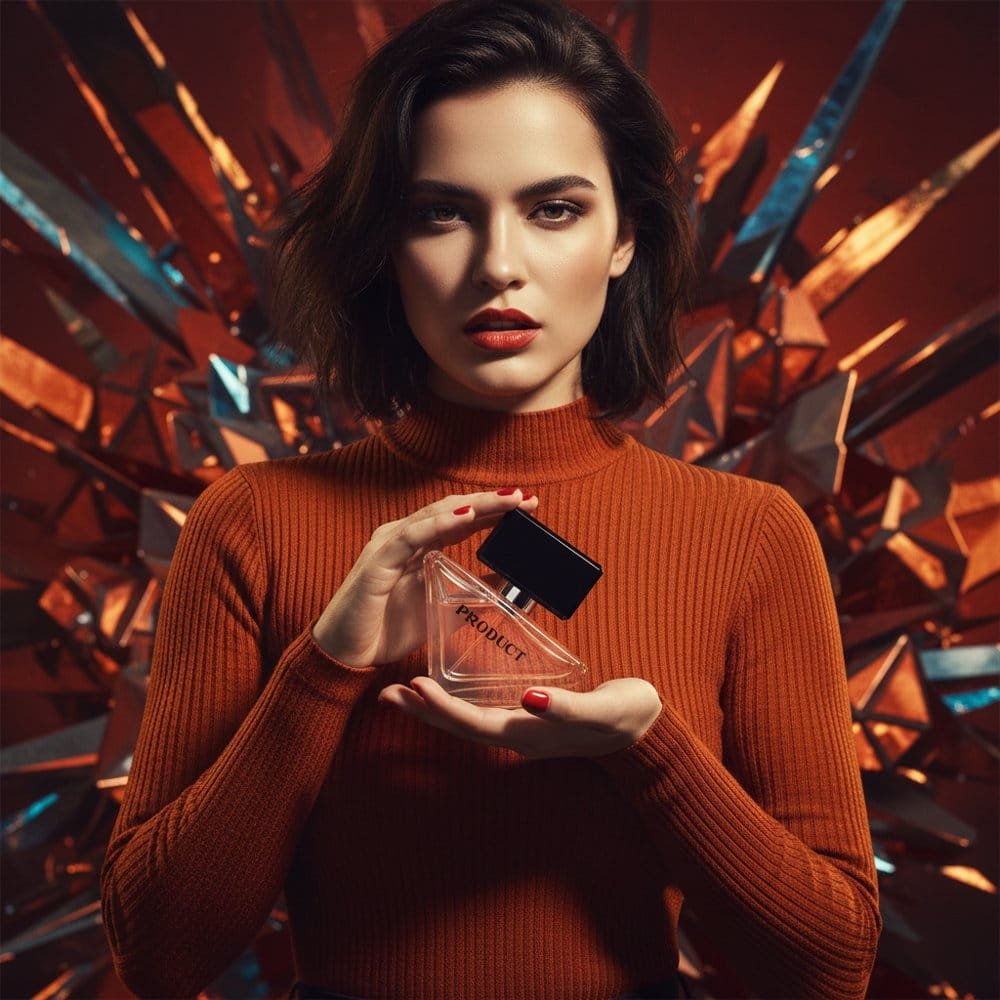
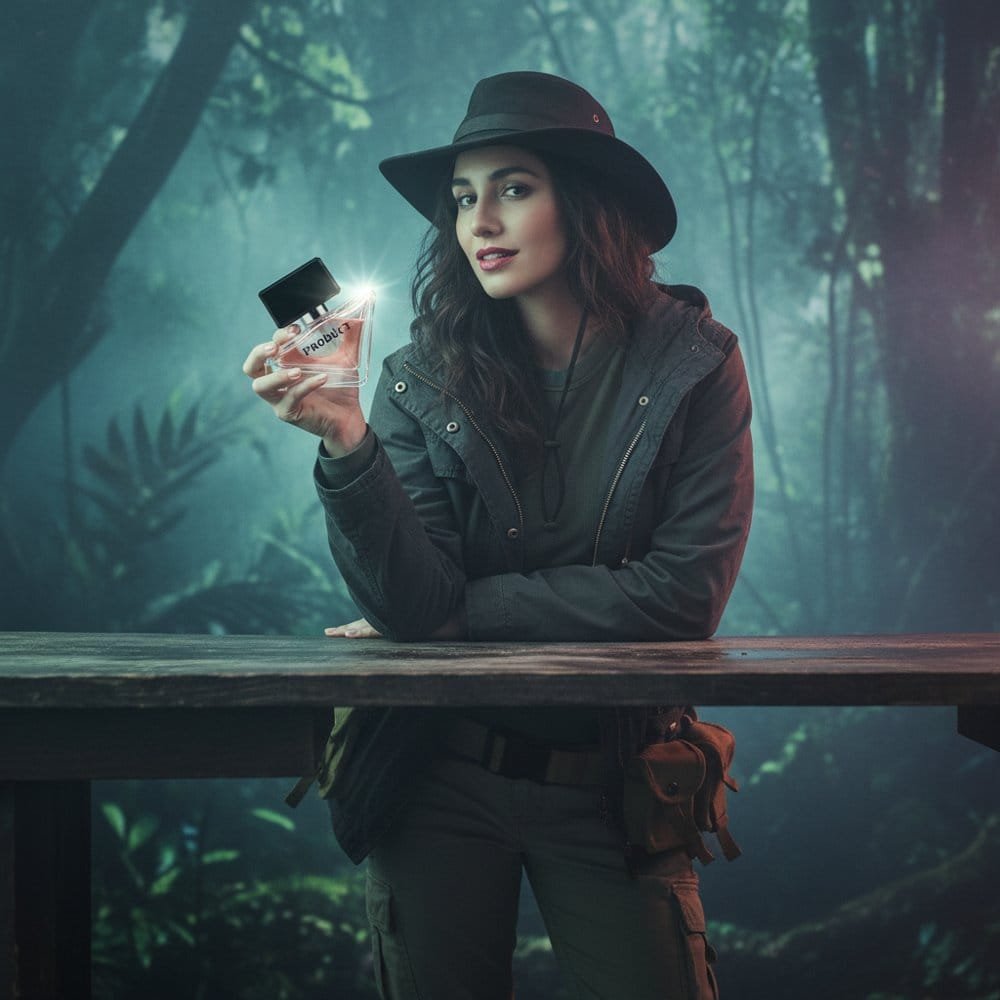
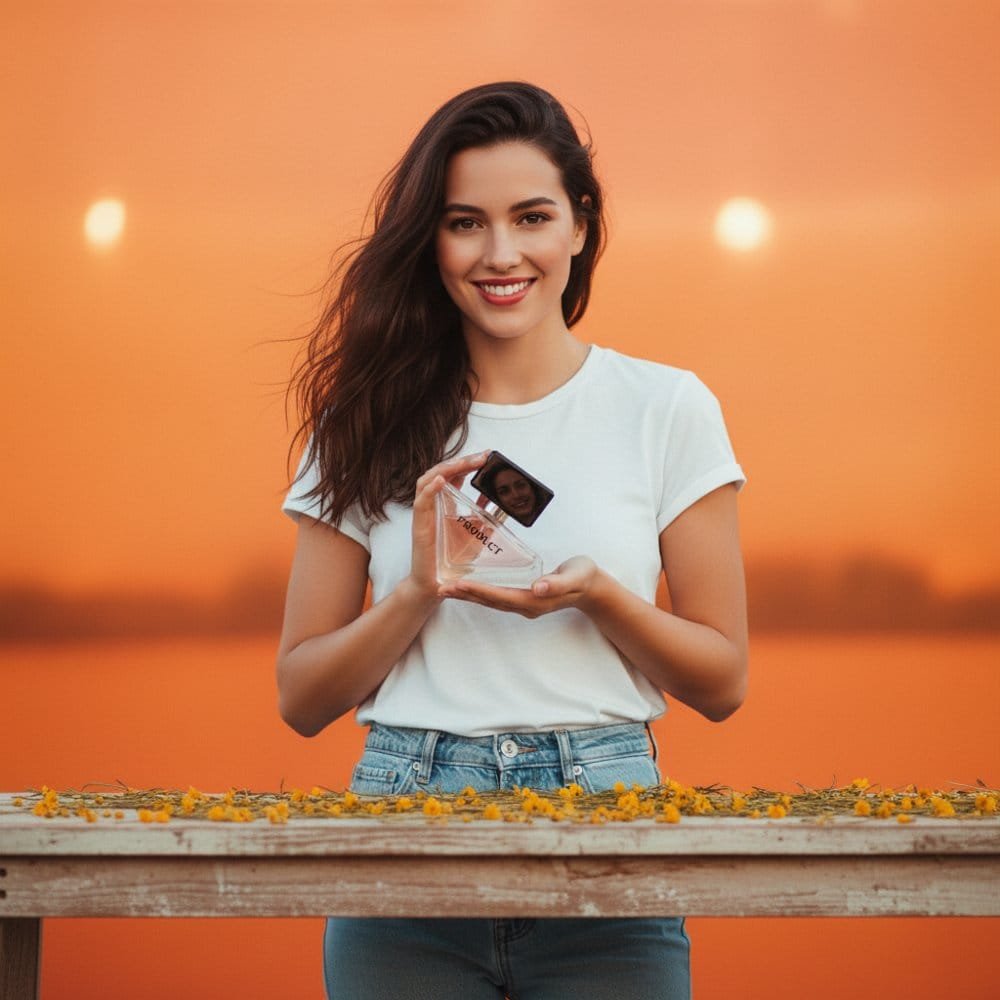
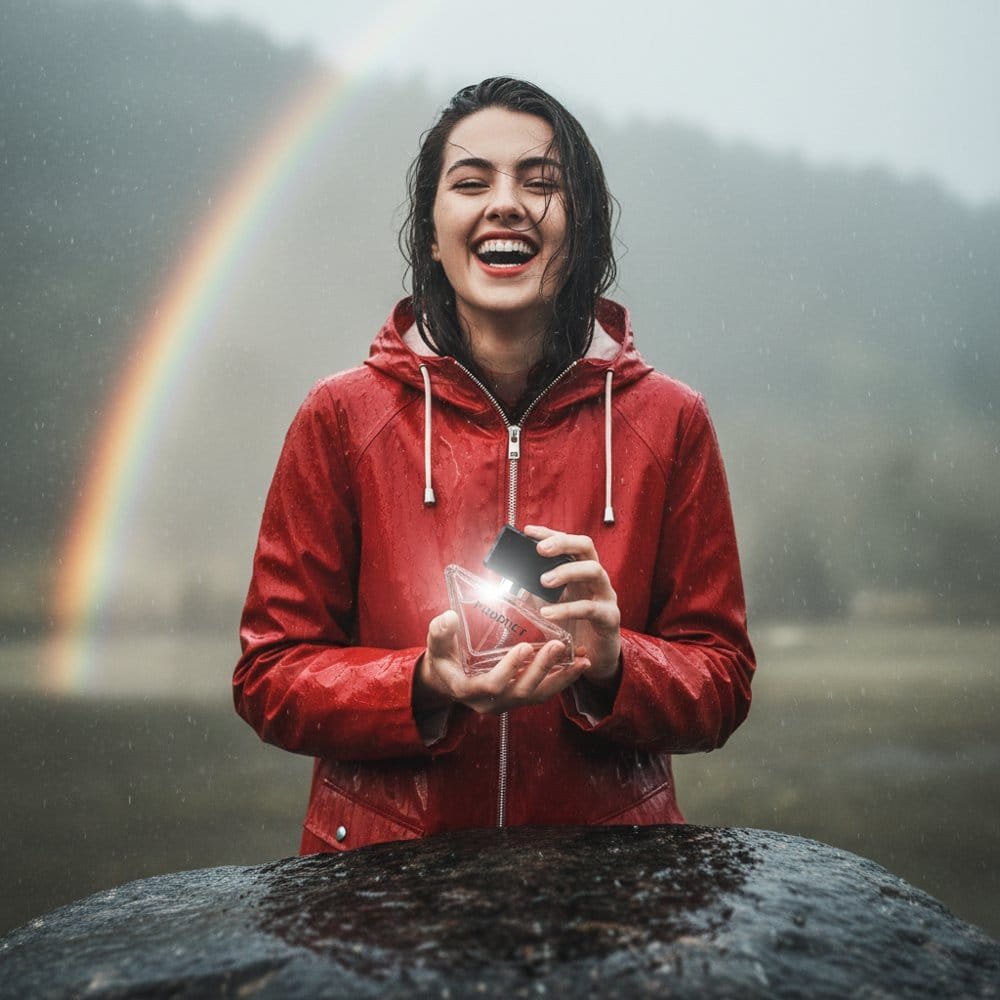
Turn raw product photos into high-converting Meta ads, Amazon listings, and lifestyle creatives in seconds. No photographers, no complex prompts, no monthly fees.
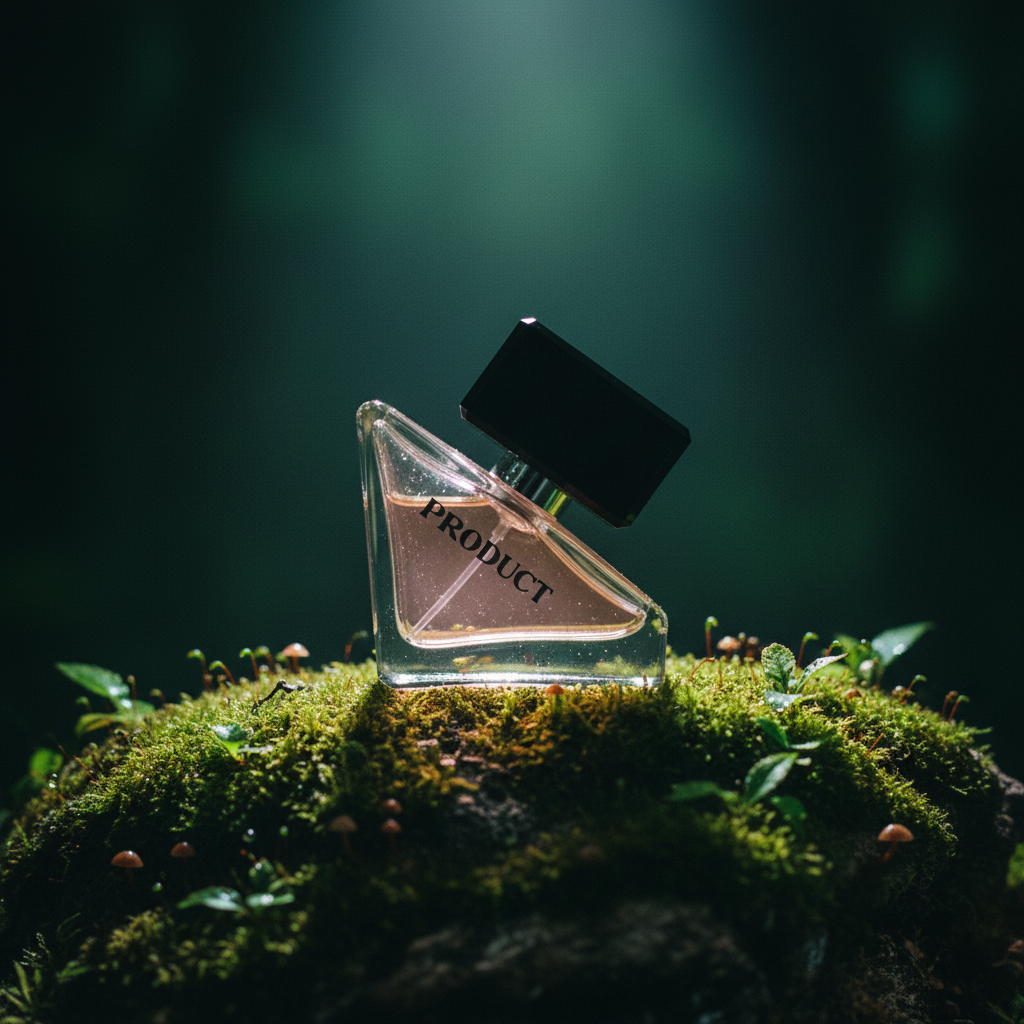
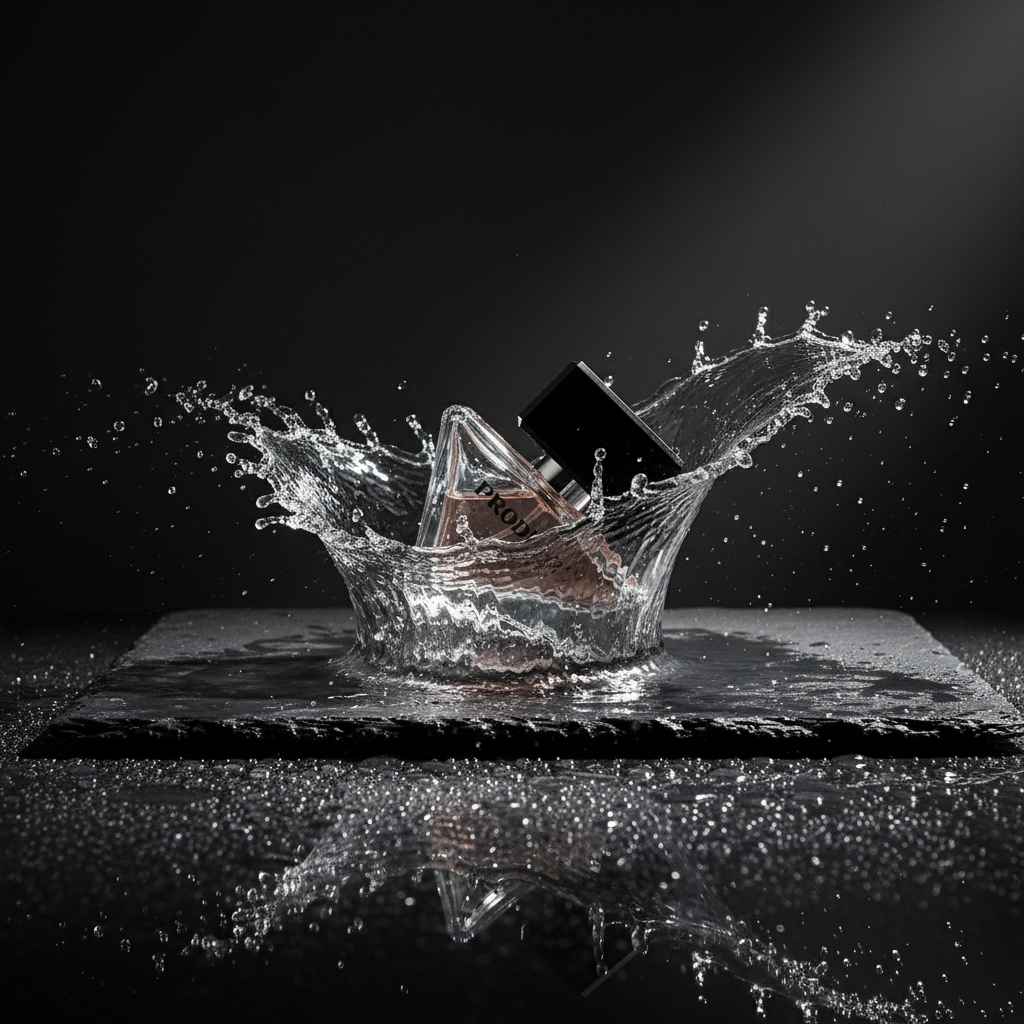
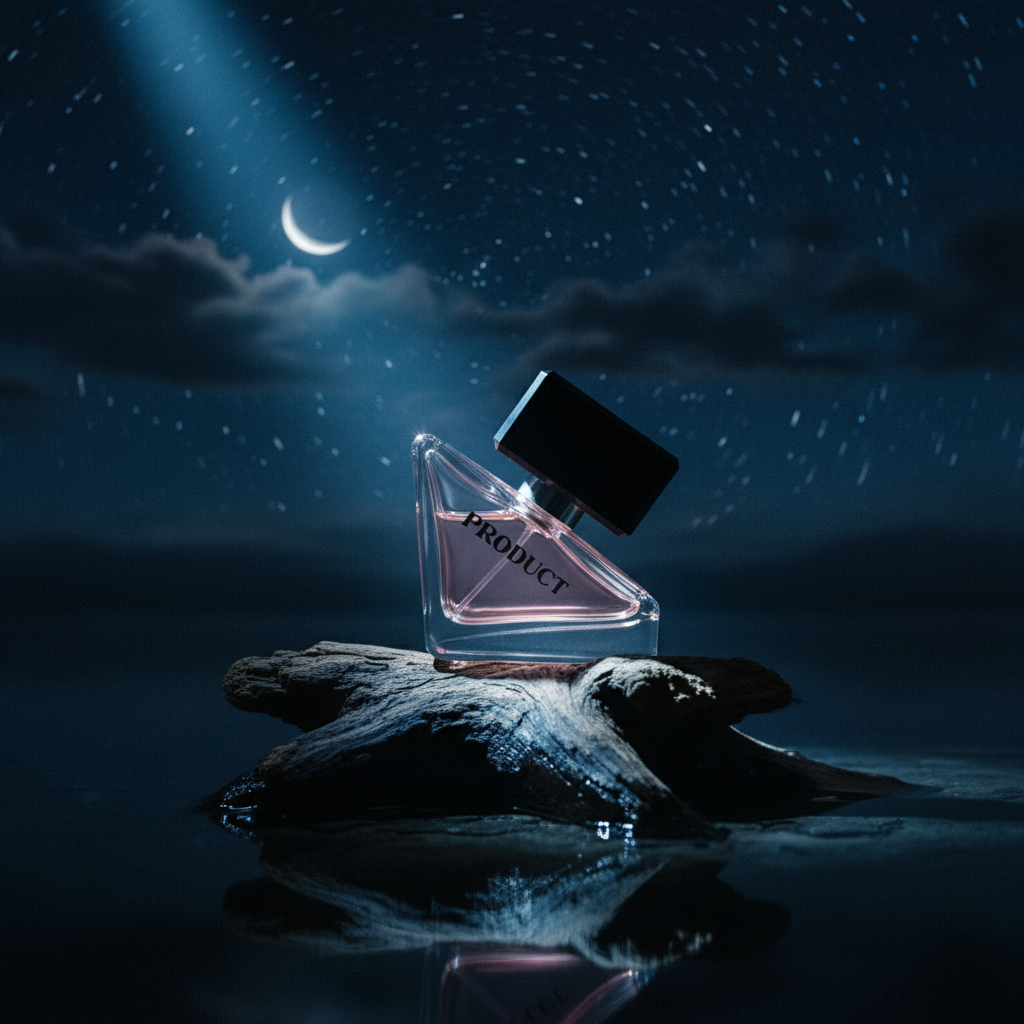
Used for Meta Ads • Shopify product pages • Amazon listings
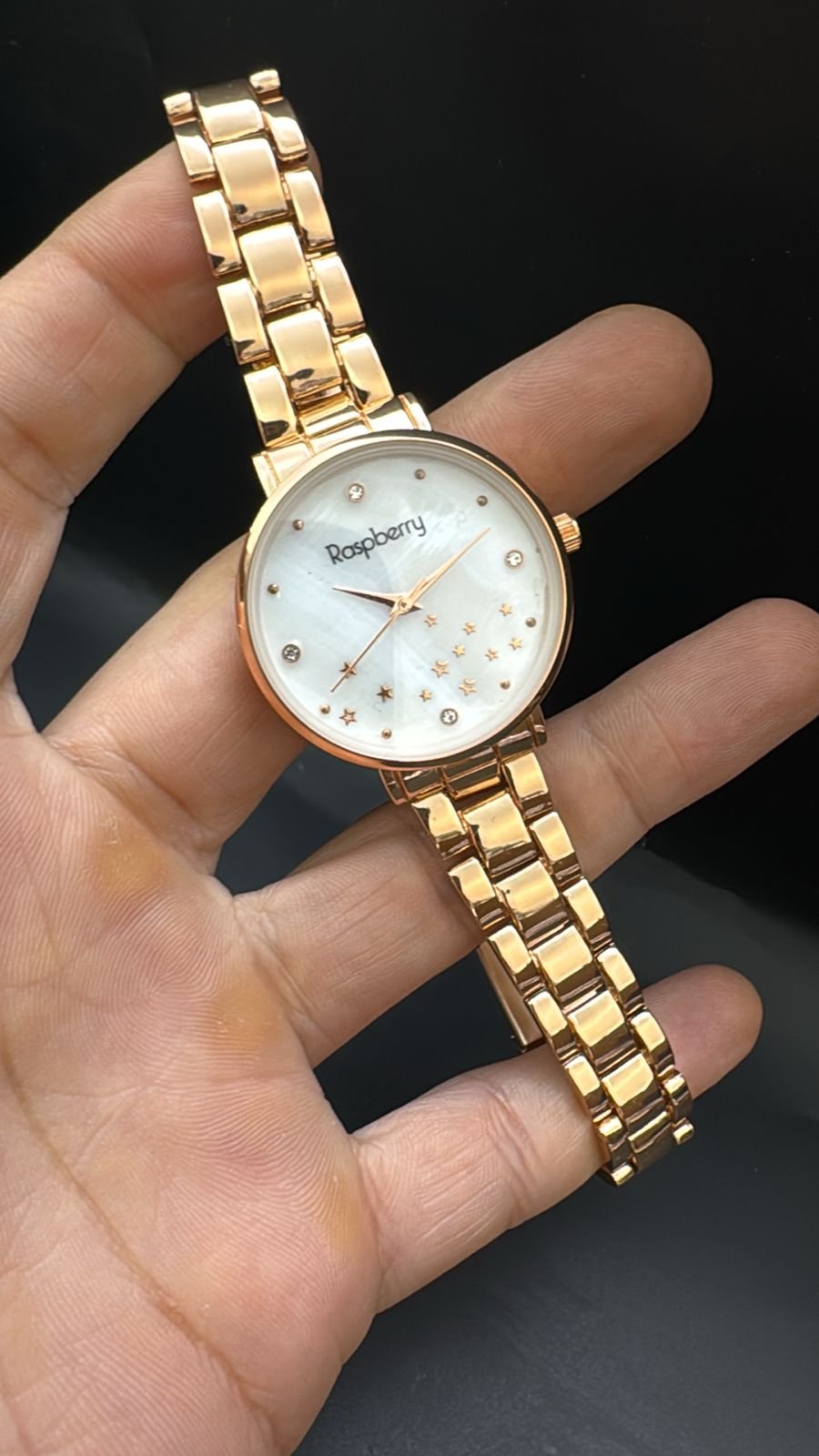

One product → unlimited ad creatives
No Prompts. No Design Skills. No Photoshop.
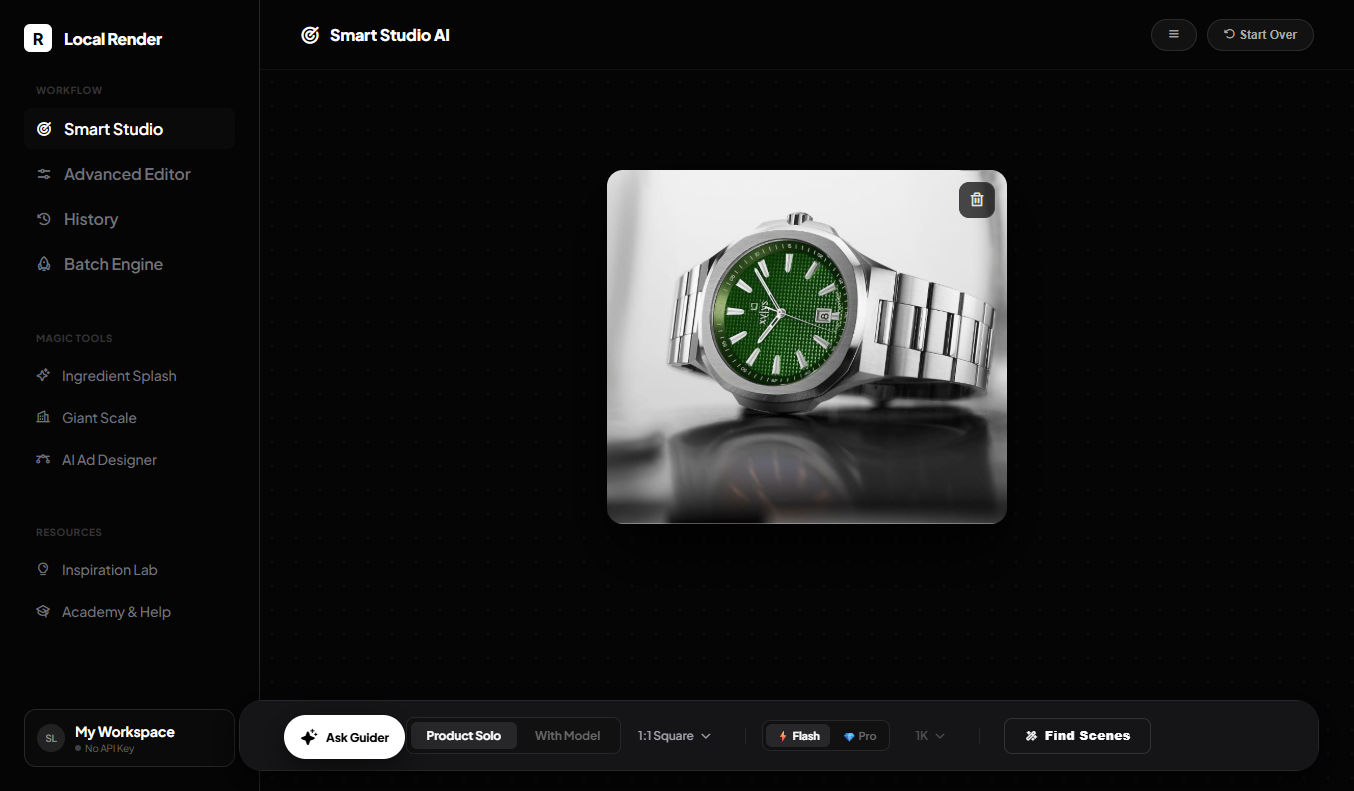
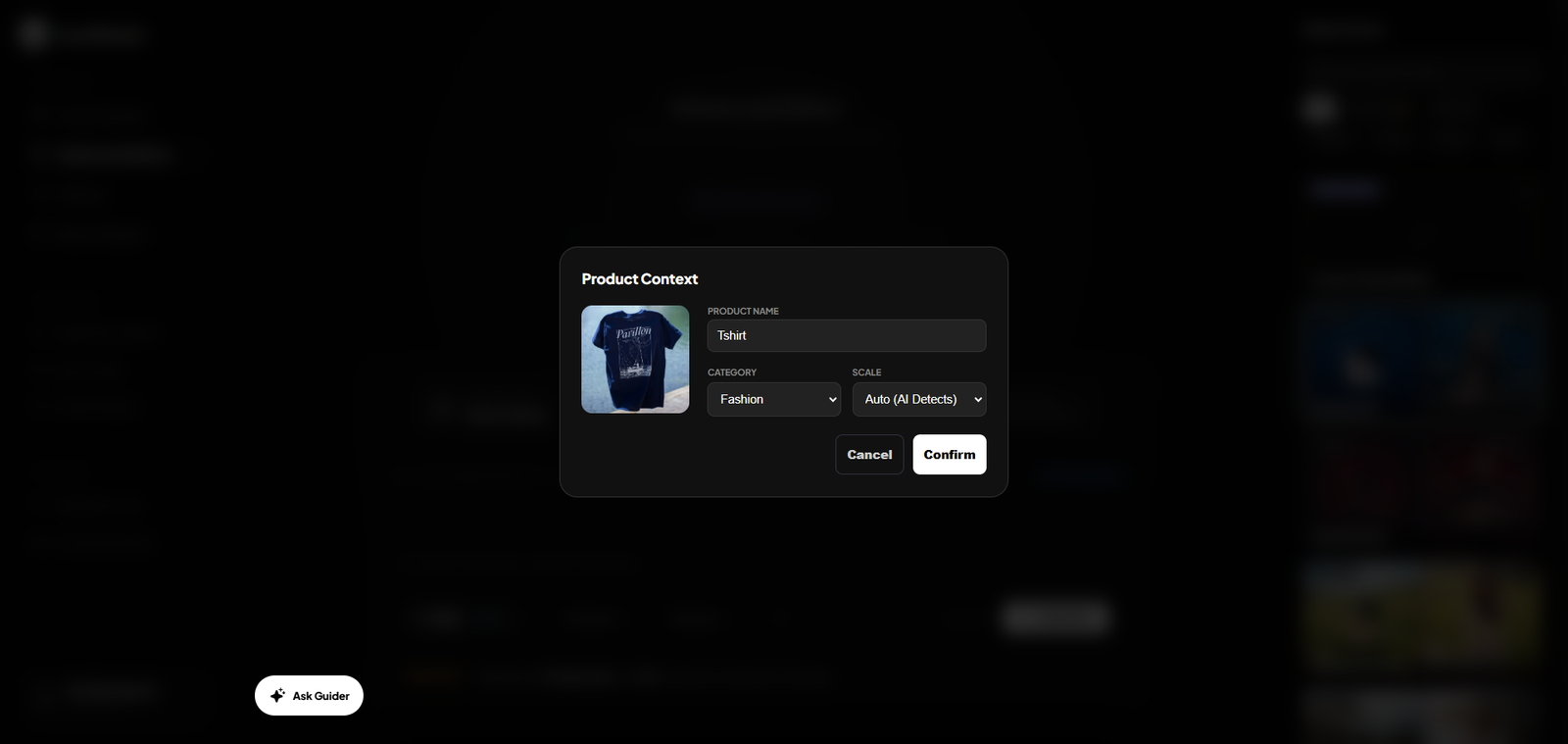
Upload a PNG product image. AI instantly analyzes it & prepare the perfect scene
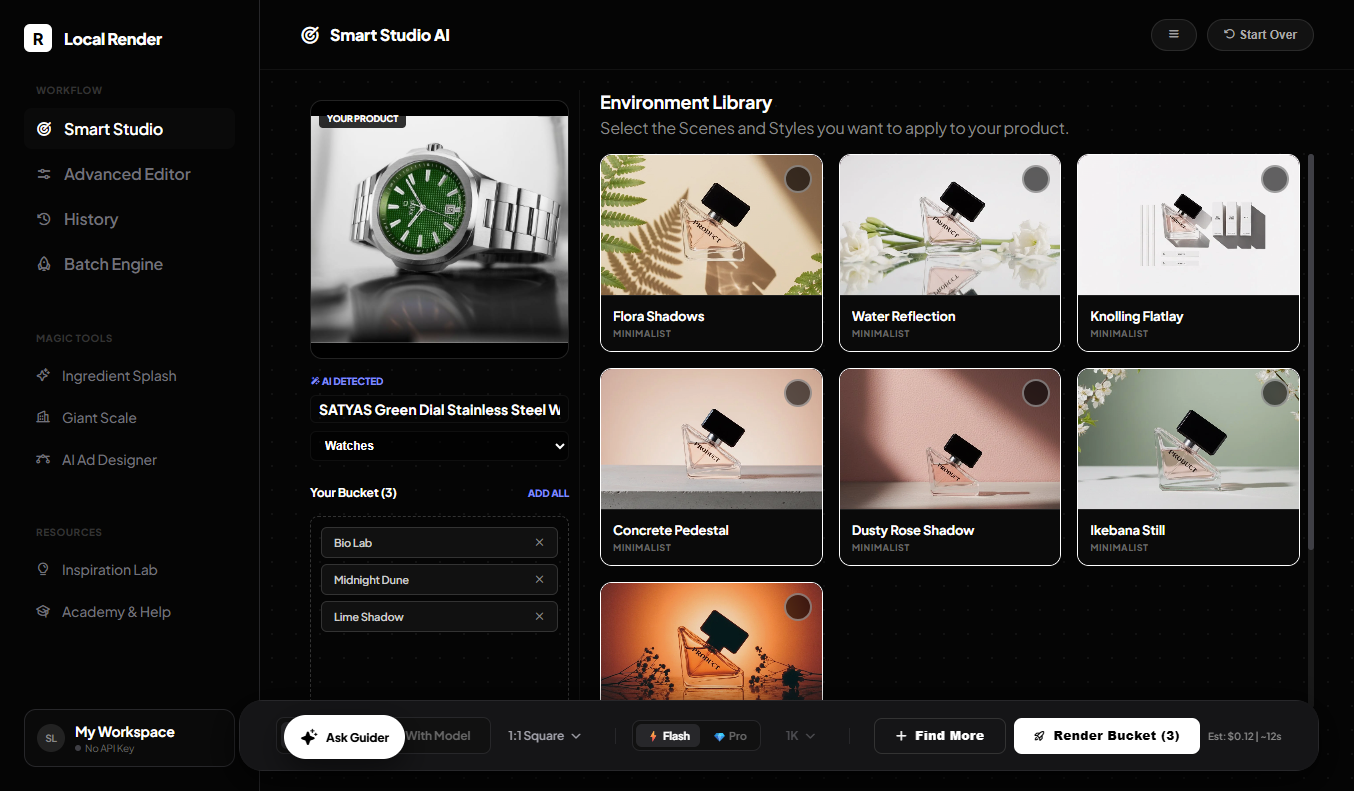
Browse 200+ curated studio scenes. Pick the styles you like and add them to your queue.
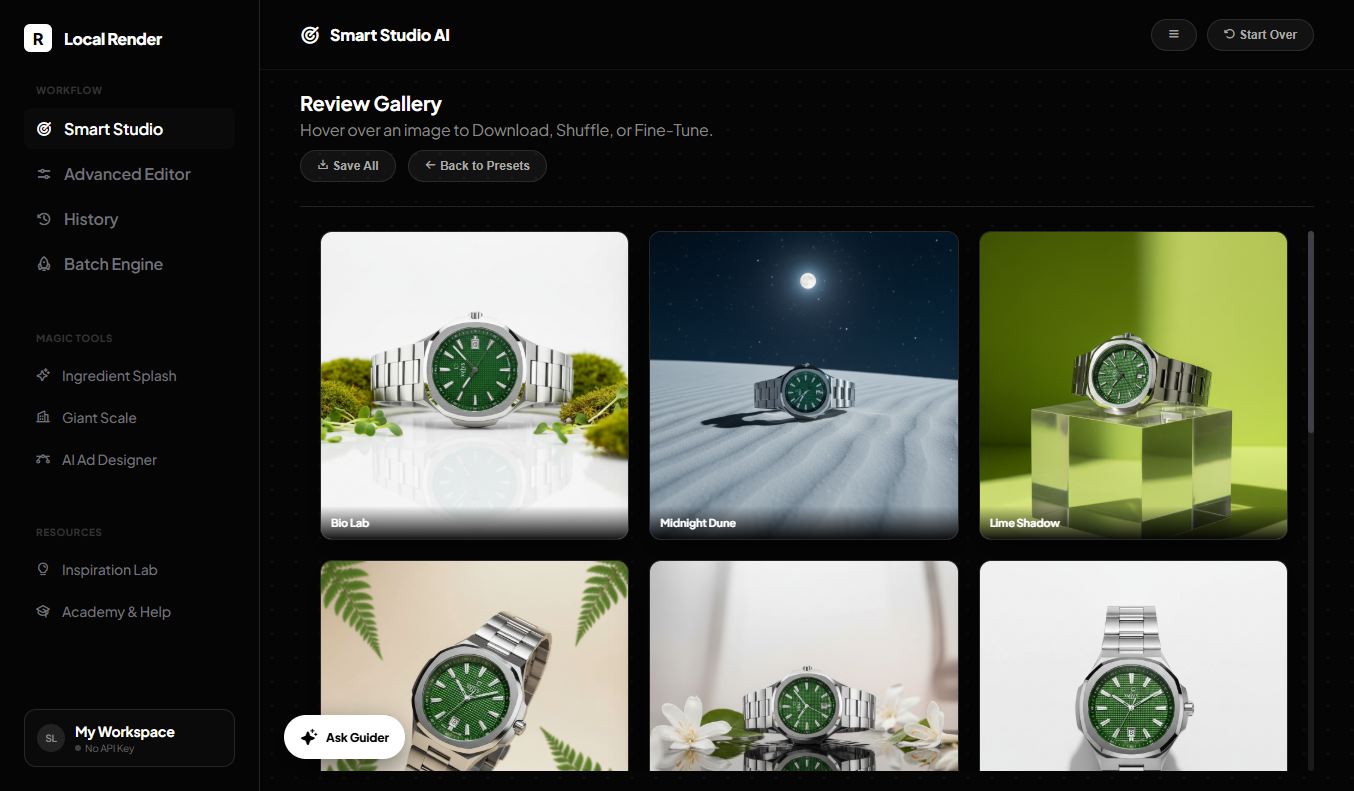
Click render to generate your product creative in seconds and Save it.
Skip the studio rentals, expensive photographers, and model fees. Instantly place your product in any location and generate hundreds of ready-to-run ads for a fraction of the cost.
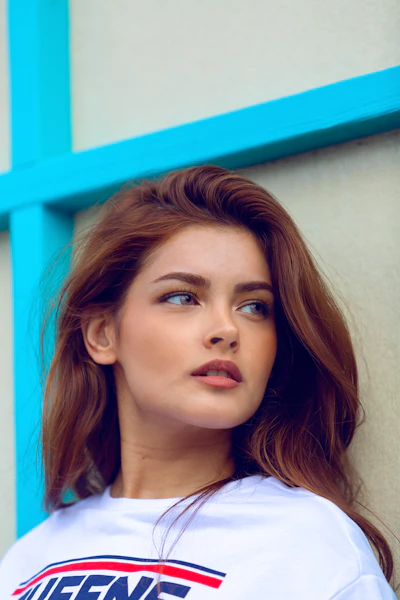
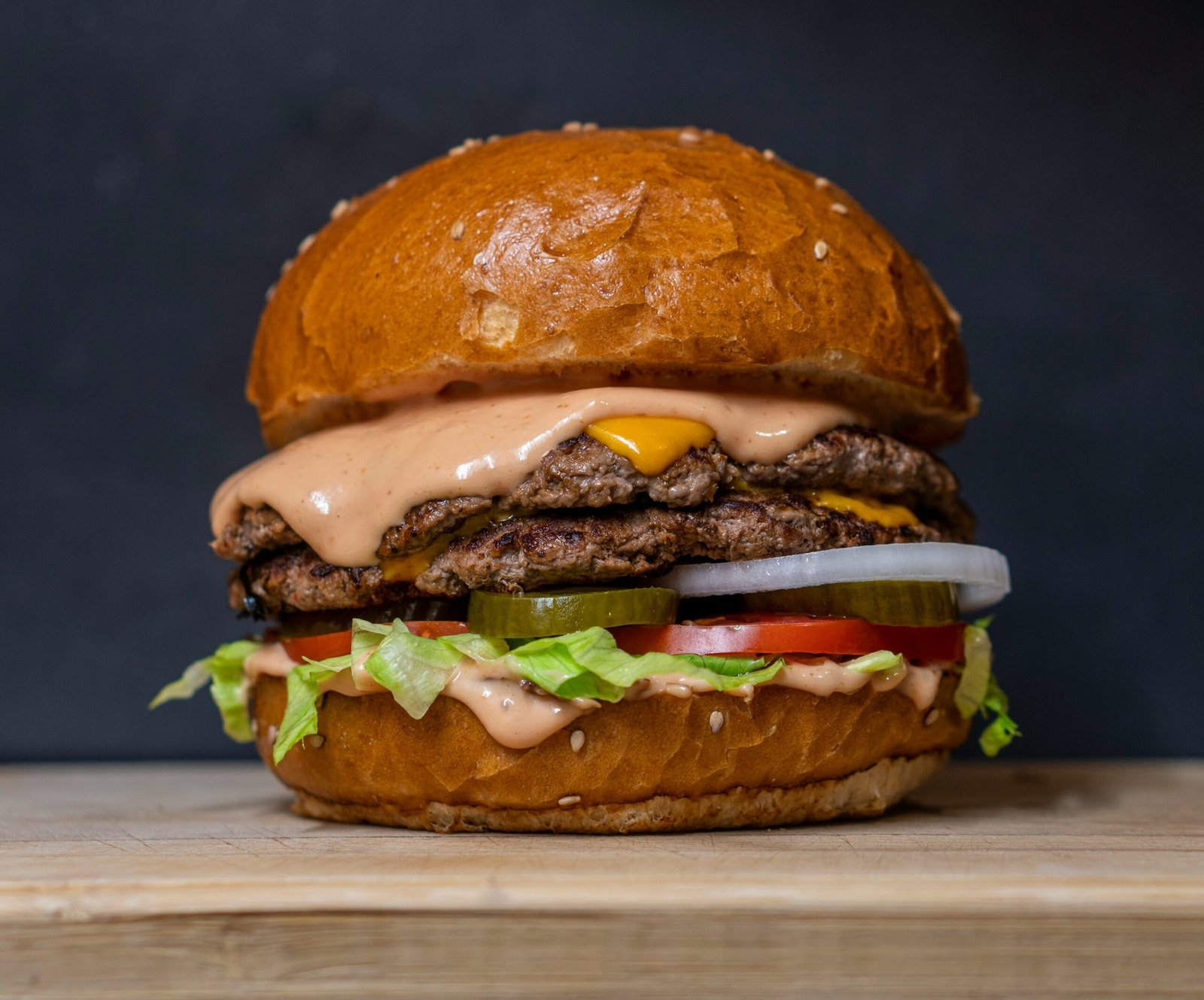
Generate lifestyle scenes, luxury product photography, social media creatives, and ecommerce hero visuals from a single product image.
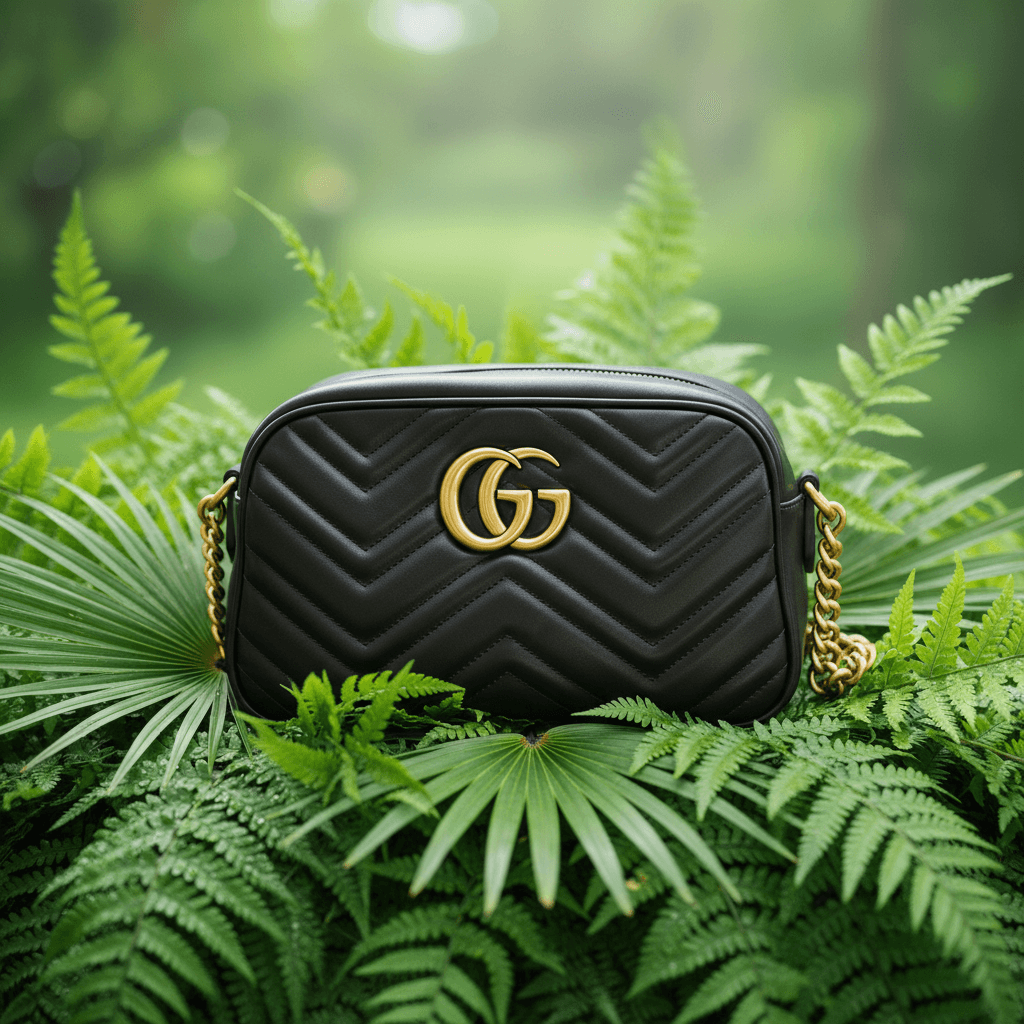
Luxury Product Shot
Lifestyle Scene
Brand Visual
Social Media Creative
Ecommerce Hero
Ad Campaign Visual
Most AI tools guess. They don’t understand real , lighting, or depth.
That’s why products look like floating plastic toys.
LocalRender is built on Academy Award-winning VFX logic.
Create scroll-stopping ad creatives with a single click. Magic Tools generate cinematic effects, viral scenes, and bold ad designs automatically.
Type your ingredients (like "mint leaves and crushed ice") and LocalRender creates cinematic splash scenes around your product instantly.
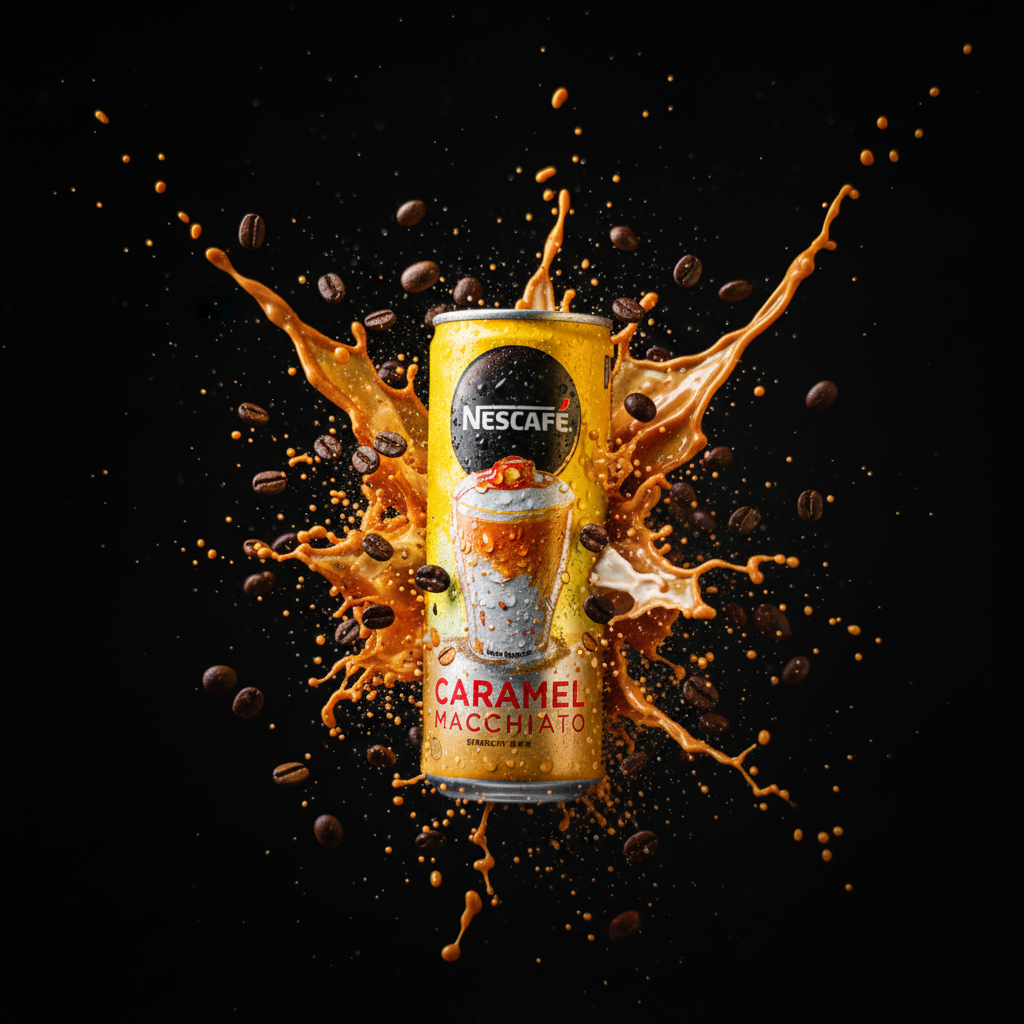
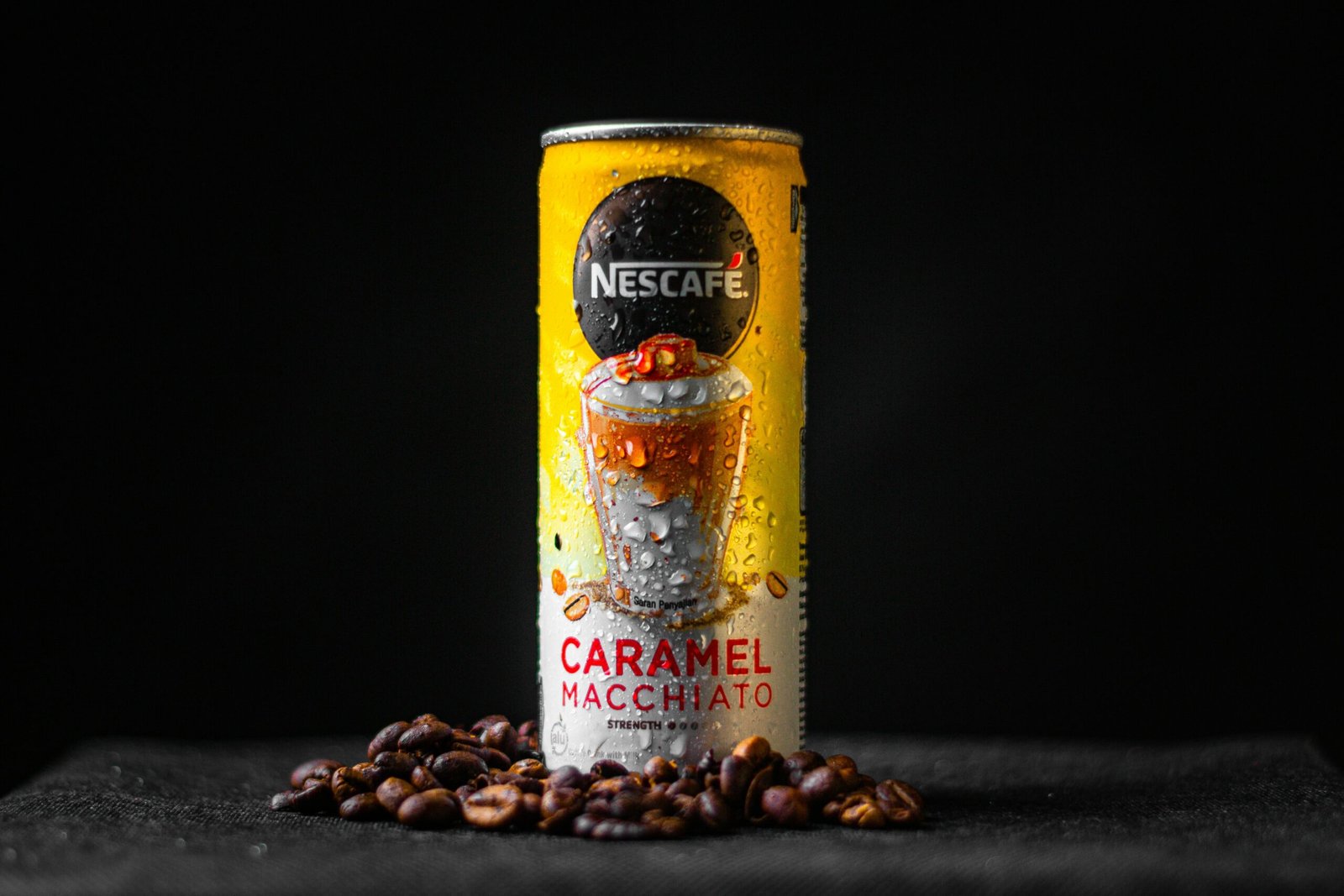
+ Coffee Beans & IceTurn your product into a massive architectural scene. AI adds tiny environmental details that create the illusion of monumental scale.
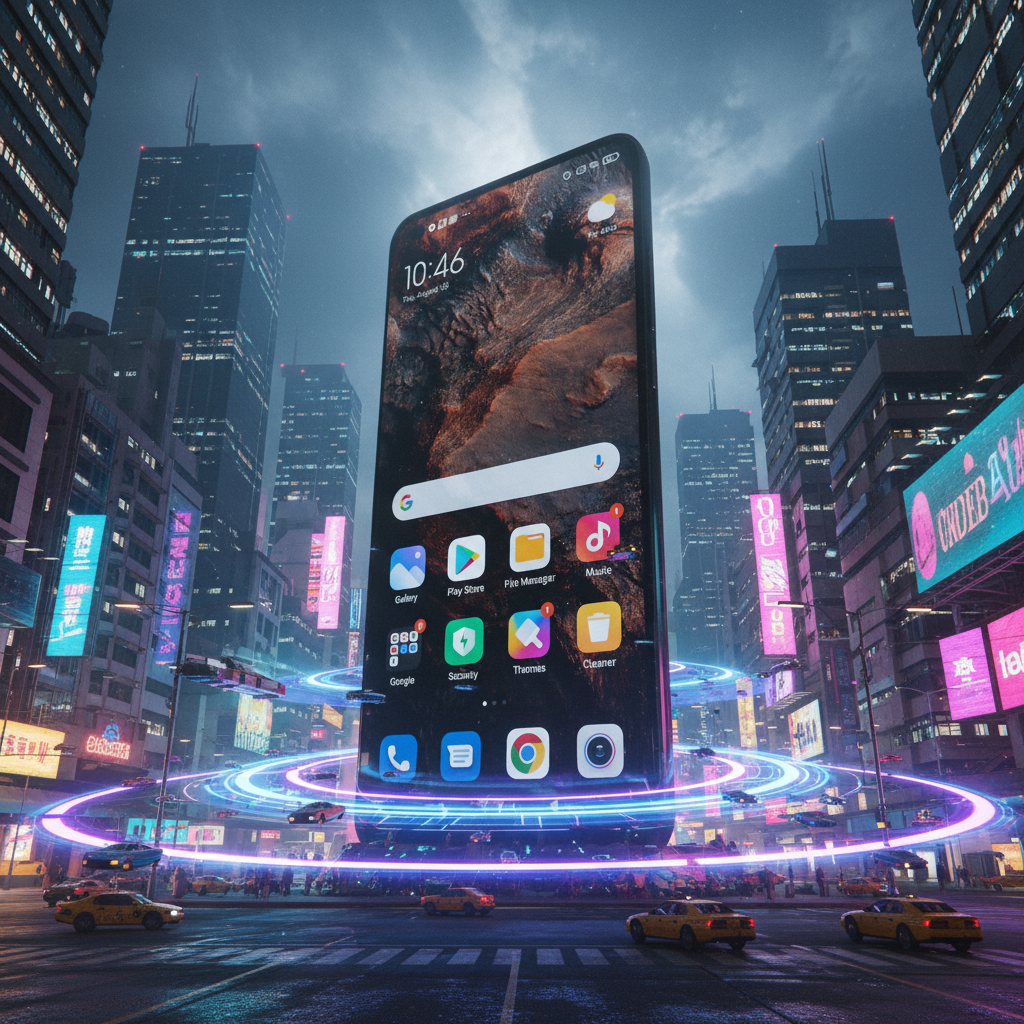
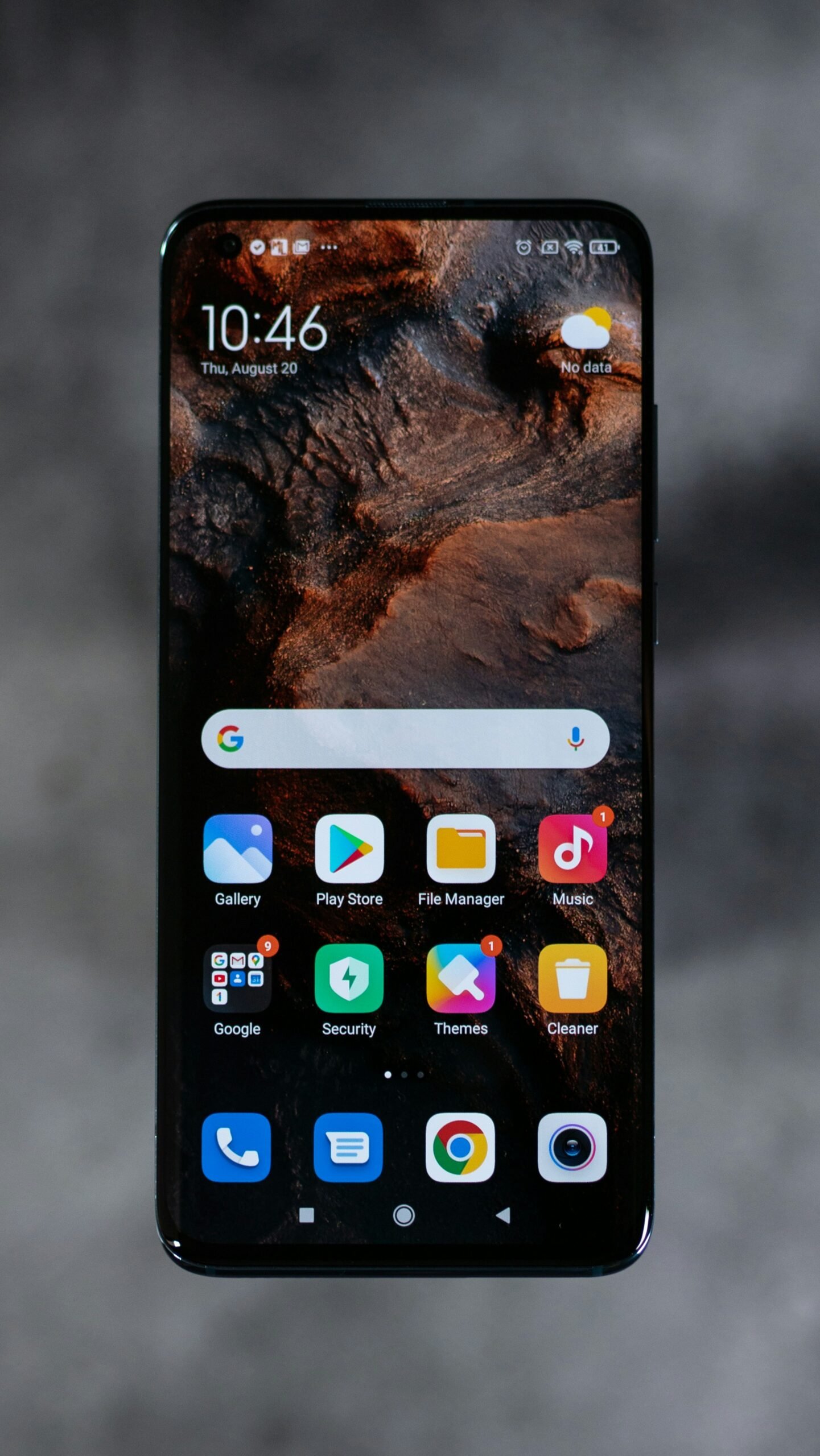
+ Monumental ScaleGenerate ready-to-run ad posters. Combine your product with bold typography, graphic layouts, and high-impact visual styles instantly.
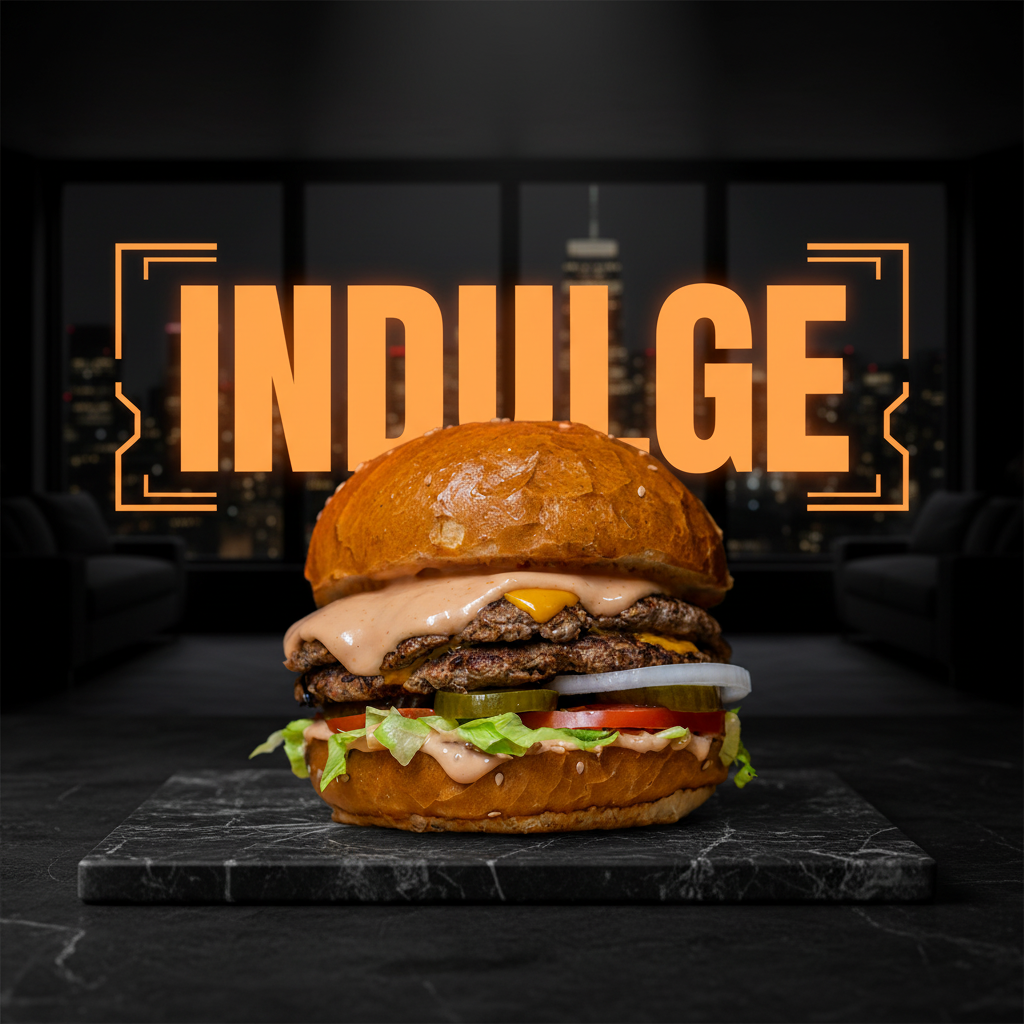
+ Bold TypographyIf a render isn’t perfect, fix it instantly. Edit scenes, remove objects, upscale images — all without leaving the studio.
Edit the entire scene with simple instructions. Type commands like "Change the background to a sunny beach."
Fix specific details by painting over them. Tell the AI exactly what to change: "Add a small bird here" or "Remove this shadow."
Instantly upscale draft renders into crisp 4K images ready for ads, product pages, or print.
Access your last 30 renders instantly. Reload any previous setup and continue refining your scene.
Stuck on a render? Ask Guider. Your built-in AI art director explains exactly how to adjust lighting, scenes, and prompts to achieve perfect results.
Describe the scene you want and Guider generates the exact prompt and settings needed to create it. Just copy, paste, and render.
I can help with that. Set your Character tab to "Product Only". Then, copy this exact prompt into your Command Bar:
If you create product visuals for selling online, LocalRender was built for you.
Create studio-quality product images without expensive photoshoots.
Generate premium listing images that stand out on crowded marketplaces.
Launch new product creatives instantly without waiting for suppliers.
Produce high-end product visuals for clients without studio setups.
Generate endless ad creatives to test winning campaigns faster.
Create scroll-stopping product visuals for social media and promotions.
Most AI creative tools lock you into monthly subscriptions and marked-up rendering costs. LocalRender is a one-time purchase. You connect directly to Google's AI and pay the same wholesale compute rates used by developers.
Set up your direct connection in under 2 minutes — no coding required. LocalRender connects directly to Google’s AI models so you pay wholesale compute rates instead of SaaS subscription markups.
New Google accounts receive roughly $300 in AI credits. That equals around 7,500 product creatives before you spend anything on generation.
If the app doesn’t run on your device, we refund you.
Click around and experience the LocalRender studio yourself before you buy. Enter your email to get instant access.
We'll send the access link directly to your email.
(Desktop or Tablet recommended).
Most AI tools operate as closed SaaS platforms that store your data on their servers. LocalRender works differently — the entire interface runs locally in your browser while connecting directly to Google's AI models.
The app securely connects directly to Google's state-of-the-art Gemini models. You completely bypass the massive markup charged by traditional SaaS wrappers.
Over 200 curated scene components encode professional lighting, composition, and physics rules derived from real commercial photography workflows.
All sensitive data remains on your device. API keys, product images, custom characters, and render history are stored locally in your browser's IndexedDB.
Yes. LocalRender uses Google's Gemini API. You'll need a free Google account and an API key from Google AI Studio. Setup takes about two minutes.
You pay Google directly at wholesale rates. Current pricing:
| Mode | Resolution | Cost |
|---|---|---|
| Flash | 1K | ~$0.04 |
| Pro | 1K | ~$0.07 |
| Pro | 2K | ~$0.10 |
| Pro | 4K | ~$0.15 |
With $300 free credits, you can generate up to 7,500 Flash images for free. After the free credits are used, most users spend only a few dollars per month depending on how many images they generate.
Absolutely. In the Roster, click "Add Custom" to upload an image from your computer or paste an Unsplash URL. Custom characters are saved locally in your browser and appear alongside built-in options.
Yes. In the Advanced Editor, click the Background card and upload an image. The AI will composite your product seamlessly into your specific environment with matching perspective and lighting. Perfect for real location photos.
Nothing is stored on our servers. LocalRender runs entirely in your browser. It is 100% private.Your API keys, product images, custom models, and render history are all stored locally on your device's IndexedDB and localStorage. It is 100% private.
The main differences are **Active Devices** and the **Batch Engine**.
Personal users get 2 active devices (e.g., your desktop and laptop).
Agency users can have 10 team members using the software concurrently and unlock the Batch Engine to queue up and render 100+ images in parallel.
We offer an Access Guarantee. Refunds are available only if the application cannot run on a supported device after working with our support team.
All generative AI involves a degree of randomness. If a render has minor flaws (like distorted hands or artifacts), your first step should always be to **click "Render" again**. This generates a new variation (seed) which often solves the issue instantly.
If the problem persists, especially with complex physics, switch the engine toggle from "Flash" to "Pro." The Pro engine is significantly more powerful and is designed to handle complex human anatomy and object interactions with higher fidelity. As per our policy, refunds are not issued for individual AI generation results.
Absolutely. Both Personal and Agency licenses allow full commercial use. Generate images for clients, use them in paid ad campaigns, sell products photographed with LocalRender—you own the output. The only restriction is you can't resell the software itself (for that, you'd need the Founder Kit).
There is no catch. We chose this model so you pay once for the software and pay Google directly for exactly what you use. Most alternatives charge $30/month whether you use them or not. With LocalRender, if you're not generating images, you pay $0.
Join creators and agencies building their own AI product studios instead of paying endless monthly subscriptions.
Get LocalRender NowQuestions? Email support@gpltube.com
We'll email you the direct link to the interactive studio interface.
⚠️ Note: The sandbox requires a Desktop or Tablet browser.